
Reviews
Your graphics add a nice touch to my presentations and I recently used them for one of my all-hands meetings. Your toolbox adds professionalism to my slides. Instead of using standard clipart.
I needed a fresh look at some of my slides. I've tried to find a way to create a paintbrush effect, to underline, accentuate, add some color and the handwritten markers were just the things. Very easy to use, easy to size, change the color. It was an affordable, perfect solution and I'm happy to recommend it.
The crisp, clean look of the graphics, and the fact that it allowed me to easily edit and change the colors to match the template was my main reason for purchasing them.
Description
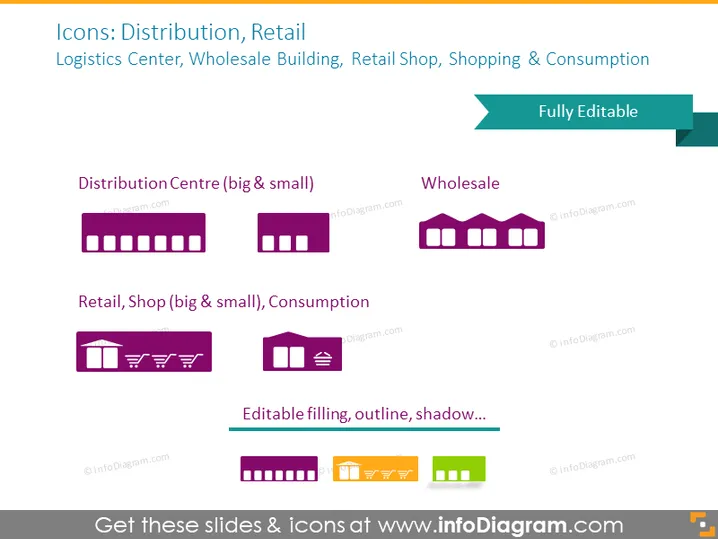
Icons: Distribution, Retail
Slide Content
The PowerPoint slide is titled "Icons: Distribution, Retail" and includes categories such as Logistics Center, Wholesale Building, Retail Shop, Shopping & Consumption, each paired with stylized icons. "Distribution Centre" icons depict larger and smaller buildings indicating different sizes of centers. A "Wholesale" icon shows a building, implying a place for bulk transactions. "Retail Shop" includes a building and shopping cart images representing smaller consumer sales locations. "Consumption" shows a shopping bag, cup, and hanger, associating activities after purchase.
Graphical Look
- The slide background is a solid dark color.
- Four sets of icons with labels beneath them are arranged in two rows and two columns.
- Icons are stylized, simplified representations of buildings and shopping-related symbols.
- Each icon set is accompanied by a descriptive label, differentiating between "big & small" sizes or categories of retail.
- Icons are primarily in shades of purple with contrasting orange elements for the "Editable filling, outline, shadow..." label.
- The label "Fully Editable" is displayed within a ribbon-shaped banner in the upper right corner.
The slide has a modern, professional aesthetic with a minimalist design, utilizing contrasting colors to make the icons and text stand out.
Use Cases
- Presenting different stages of the supply chain in business meetings.
- Illustrating the types of retail and distribution facilities in training materials for new employees.
- Incorporating into sales presentations to explain the flow of goods from distribution to consumer.
- Using in marketing materials to highlight different retail channels available for a product.
How to Edit
How to edit text & colors

How to expand / shorten diagram

How to Replace Icons in infoDiagram PPT


