

Your graphics add a nice touch to my presentations and I recently used them for one of my all-hands meetings. Your toolbox adds professionalism to my slides. Instead of using standard clipart.
Claude Jones, Director of Engineer, @Walmartlabs, USA

Your graphics add a nice touch to my presentations and I recently used them for one of my all-hands meetings. Your toolbox adds professionalism to my slides. Instead of using standard clipart.
Claude Jones, Director of Engineer, @Walmartlabs, USA
I needed a fresh look at some of my slides. I've tried to find a way to create a paintbrush effect, to underline, accentuate, add some color and the handwritten markers were just the things. Very easy to use, easy to size, change the color. It was an affordable, perfect solution and I'm happy to recommend it.
Anonymous, US
The crisp, clean look of the graphics, and the fact that it allowed me to easily edit and change the colors to match the template was my main reason for purchasing them.
Brandie Jenkins, E-learning Developer, USA
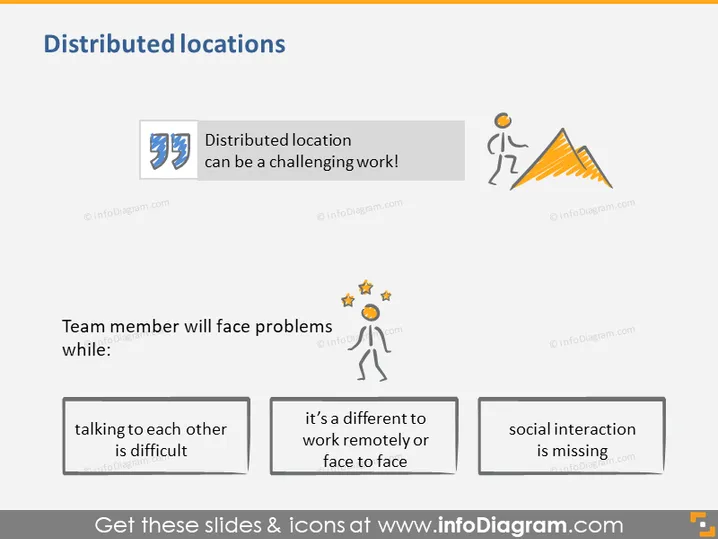
The slide discusses the challenges associated with working from distributed locations. It starts with a headline stating that a distributed location can be difficult for teamwork. It identifies three main problems team members may face: communication difficulties when talking to each other, the different experiences of working remotely versus face-to-face, and the lack of social interaction. Each point addresses a common issue in distributed teams, such as the technical and emotional aspects of remote communication, the adjustment to remote work protocols, and potential feelings of isolation.
The overall look of the slide is modern and clean with a well-organized layout that makes use of icons and color accents to visually separate different points. The neutral color palette with orange highlights draws attention to important elements without being overwhelming.



