

Your graphics add a nice touch to my presentations and I recently used them for one of my all-hands meetings. Your toolbox adds professionalism to my slides. Instead of using standard clipart.
Claude Jones, Director of Engineer, @Walmartlabs, USA

Your graphics add a nice touch to my presentations and I recently used them for one of my all-hands meetings. Your toolbox adds professionalism to my slides. Instead of using standard clipart.
Claude Jones, Director of Engineer, @Walmartlabs, USA
I needed a fresh look at some of my slides. I've tried to find a way to create a paintbrush effect, to underline, accentuate, add some color and the handwritten markers were just the things. Very easy to use, easy to size, change the color. It was an affordable, perfect solution and I'm happy to recommend it.
Anonymous, US
The crisp, clean look of the graphics, and the fact that it allowed me to easily edit and change the colors to match the template was my main reason for purchasing them.
Brandie Jenkins, E-learning Developer, USA
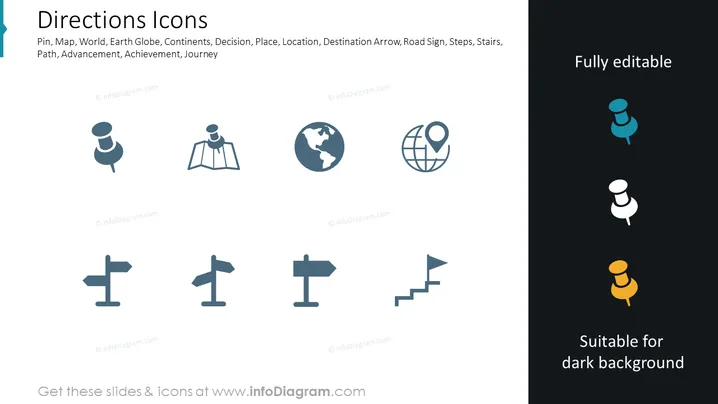
The slide is titled "Directions Icons" and contains a series of stylized icons that represent various concepts related to navigation and travel. These include a location pin, a map, a simplified image of the Earth (globe), a directional arrow, and steps, which together symbolize guidance, spatial orientation, and the idea of journey or progress. The subtext suggests themes of decision, place, location, destination, path, advancement, achievement, and journey, which all relate to movement and directionality in a metaphorical or literal sense.
The slide has a modern, professional look with simple yet informative graphics designed to communicate the concept of navigational elements. The dual-toned icons are made to stand out and are easily recognizable, and this visual simplicity ensures immediate comprehension.



