
Reviews
Your graphics add a nice touch to my presentations and I recently used them for one of my all-hands meetings. Your toolbox adds professionalism to my slides. Instead of using standard clipart.
I needed a fresh look at some of my slides. I've tried to find a way to create a paintbrush effect, to underline, accentuate, add some color and the handwritten markers were just the things. Very easy to use, easy to size, change the color. It was an affordable, perfect solution and I'm happy to recommend it.
The crisp, clean look of the graphics, and the fact that it allowed me to easily edit and change the colors to match the template was my main reason for purchasing them.
Description
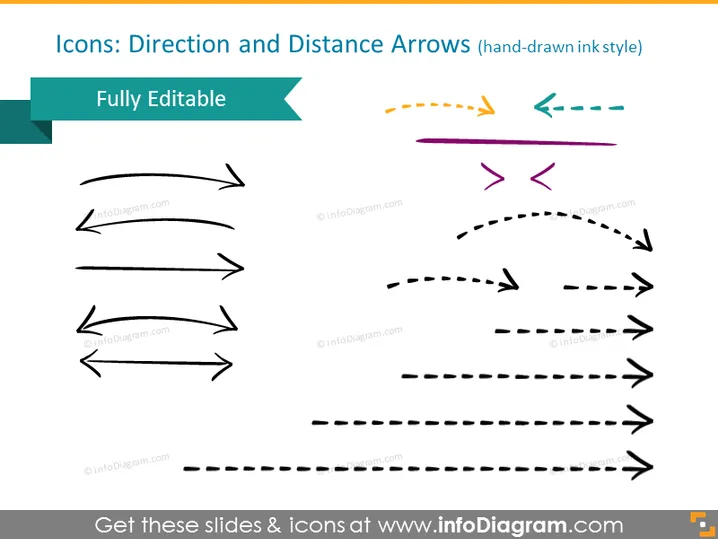
Icons: Direction and Distance Arrows (hand-drawn ink style)
Slide Content
The PowerPoint slide is titled "Icons: Direction and Distance Arrows (hand-drawn ink style)" and the main feature is a collection of arrow icons that are designed to look hand-drawn. These arrows vary in shape and direction, indicating different types of movement or flow. They seem to offer versatility for various diagrammatic needs in presentations, portraying concepts such as progress, regression, direction change, or the dynamics between different elements or stages.
Graphical Look
- The slide background is a plain light color, providing a neutral canvas for the icons.
- At the top left corner, there's a teal banner with the word "Fully Editable" in white, suggesting that the icons can be modified.
- A variety of arrow icons are displayed in three rows and two columns.
- The arrows are styled to appear as if they were sketched with an ink pen, featuring dashed lines and solid lines, some with arrowheads at both ends.
- The arrows differ in color, including black, purple, orange, and teal, adding visual variety.
- The layout is symmetrically balanced with the left side mirroring the right side in terms of the number and arrangement of icons.
The overall look of the slide is minimalist and functional, with a focus on the various stylized arrow icons intended for use in presentations. The contrasting colors and hand-drawn style of the arrows add an informal and creative flair to the slide.
Use Cases
- Illustrating workflow processes or directions in a project management presentation.
- Demonstrating relationships and interactions between different elements or phases within a business plan.
- Adding visual interest to slides in an educational presentation explaining concepts related to movement or direction.
- Enhancing marketing material with graphics that convey the dynamics of a product's benefits or user journey.
How to Edit
How to edit text & colors

How to expand / shorten diagram

How to Replace Icons in infoDiagram PPT


