
Reviews
Ihre Grafiken verleihen meinen Präsentationen eine nette Note, und ich habe sie kürzlich für eines meiner All-Hands-Meetings verwendet. Ihre Toolbox verleiht meinen Folien Professionalität, anstatt Standard-Clipart zu verwenden.
Ich brauchte einen neuen Blick auf einige meiner Folien. Ich habe versucht, einen Weg zu finden, einen Pinselschlag-Effekt zu erzielen, um zu unterstreichen, hervorzuheben, Farbe hinzuzufügen, und die handgeschriebenen Markierungen waren genau das Richtige. Sehr einfach zu bedienen, leicht in der Größe zu ändern, die Farbe zu ändern. Es war eine erschwingliche, perfekte Lösung und ich empfehle sie gerne weiter.
Die klare, saubere Optik der Grafiken und die Tatsache, dass ich die Farben leicht bearbeiten und an die Vorlage anpassen konnte, war mein Hauptgrund für den Kauf.
Description
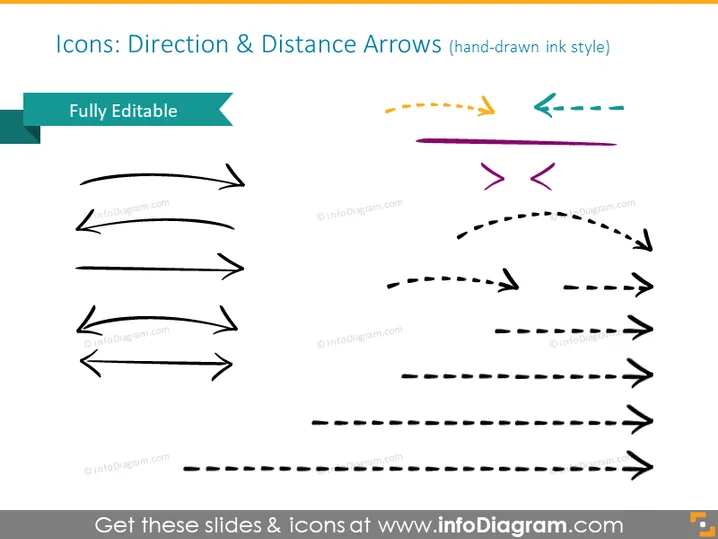
Icons: Direction & Distance Arrows (hand-drawn ink style)
Slide Content
The PowerPoint slide is titled "Icons: Direction & Distance Arrows (hand-drawn ink style)", indicating that the content consists of various arrow icons that have a hand-drawn appearance, suggesting a more informal or creative presentation style. These arrows can represent different concepts such as progress, direction, guidance, or connection in various contexts. The term "Fully Editable" suggests that these icons can be customized to fit the specific needs of the presentation.
Graphical Look
- The slide's background is white, creating a clean and crisp visual field for the icons.
- A variety of arrows, in different styles and directions, appear across the slide.
- The arrows are black, with the exception of three arrows at the top right that have a dashed line and are colored in orange, green, and purple.
- The arrows vary in their level of curvature and line style (solid, dashed).
- Some arrows point in single directions, while others indicate a bidirectional flow.
- The design of the arrows has a sketched, informal look, consistent with a hand-drawn style.
The overall look of the slide is uncomplicated and straightforward, focused on showcasing the variety of arrow designs. The hand-drawn style gives the slide an informal, creative flair, which may appeal to audiences looking for a less corporate and more personalized visual approach.
Use Cases
- To visually represent various pathways or directions in a process flow or roadmap during a presentation.
- When illustrating cycles or feedback loops in business models or system diagrams.
- To add visual interest to slides that describe progress, movement, or transitions between different steps in a guide or tutorial.
- For emphasizing the flexibility and potential customization of strategies in marketing plans or project proposals.
How to Edit
How to edit text & colors

How to expand / shorten diagram

How to Replace Icons in infoDiagram PPT


