

Your graphics add a nice touch to my presentations and I recently used them for one of my all-hands meetings. Your toolbox adds professionalism to my slides. Instead of using standard clipart.
Claude Jones, Director of Engineer, @Walmartlabs, USA

Your graphics add a nice touch to my presentations and I recently used them for one of my all-hands meetings. Your toolbox adds professionalism to my slides. Instead of using standard clipart.
Claude Jones, Director of Engineer, @Walmartlabs, USA
I needed a fresh look at some of my slides. I've tried to find a way to create a paintbrush effect, to underline, accentuate, add some color and the handwritten markers were just the things. Very easy to use, easy to size, change the color. It was an affordable, perfect solution and I'm happy to recommend it.
Anonymous, US
The crisp, clean look of the graphics, and the fact that it allowed me to easily edit and change the colors to match the template was my main reason for purchasing them.
Brandie Jenkins, E-learning Developer, USA
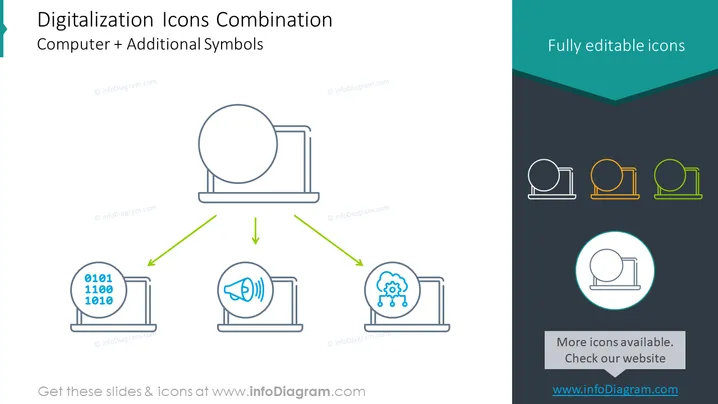
The slide presents a visual concept of "Digitalization Icons Combination" portraying the integration of a computer with additional symbols representing various aspects of digital technology. It illustrates the fusion of traditional computing with advanced digital functions such as data binary code, sound control or volume, and artificial intelligence or machine learning, symbolized by the icons adjacent to the laptop image. This combination emphasizes the multifaceted capabilities of modern digitalized systems, enhancing basic computing with specialized digital attributes to cater to diverse technological needs.
The slide boasts a professional and clean design, with ample whitespace and a balanced layout reinforcing the conceptual linking between traditional computing and modern digital features. The color scheme is subtle yet effective in distinguishing elements and guiding the viewer through the content.



