Digital, Online Presence Icons
Slide Content:
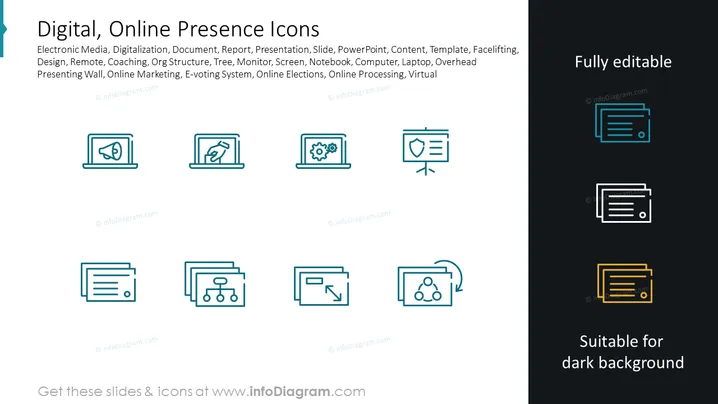
The PowerPoint slide is titled "Digital, Online Presence Icons" and lists keywords such as Electronic Media, Digitalization, Document, Report, Presentation, Slide, PowerPoint, Content, Template, Facelift, Design, Remote, Coaching, Org Structure, Tree, Monitor, Screen, Notebook, Computer, Laptop, Overhead Presenting Wall, Online Marketing, E-voting System, Online Elections, Online Processing, and Virtual. These terms suggest the slide is related to various aspects and tools of online presence and digital media, possibly portraying icons associated with these concepts to enhance presentations or documents.
Graphical Look:
- The slide background is dark grey, providing a high contrast for the text and icons.
- The slide title is prominently displayed at the top in large, white text.
- There are two columns of icons, each with a brief descriptor below them.
- Icons are minimalist and feature a single shade of blue, except for the lower right set which shows alternative color options (blue, white, and yellow) to indicate that the icons are suitable for different background colors.
- Each icon is encased within a subtle light grey rectangle that appears to be a placeholder for the respective icon.
- The source of the icons, 'infoDiagram.com', is mentioned at the bottom of the slide in a small, light watermark style.
- At the bottom, there is a note "Suitable for dark background" which suggests that the icons are designed to stand out on dark backgrounds.
The slide has a clean and modern aesthetic with a professional look. The use of consistent iconography and the inclusion of alternative color variations demonstrates attention to versatility in design.
Use Cases:
- Enhancing business presentations with relevant icons to visually represent different aspects of digital and online business activities.
- Creating digital marketing materials that require clear, identifiable symbols associated with online services or technology.
- Providing visual aids in training or educational materials about digital systems or online presence management.
- Developing user interfaces or dashboard designs that require intuitive iconography for navigation or feature identification.