

Your graphics add a nice touch to my presentations and I recently used them for one of my all-hands meetings. Your toolbox adds professionalism to my slides. Instead of using standard clipart.
Claude Jones, Director of Engineer, @Walmartlabs, USA

Your graphics add a nice touch to my presentations and I recently used them for one of my all-hands meetings. Your toolbox adds professionalism to my slides. Instead of using standard clipart.
Claude Jones, Director of Engineer, @Walmartlabs, USA
I needed a fresh look at some of my slides. I've tried to find a way to create a paintbrush effect, to underline, accentuate, add some color and the handwritten markers were just the things. Very easy to use, easy to size, change the color. It was an affordable, perfect solution and I'm happy to recommend it.
Anonymous, US
The crisp, clean look of the graphics, and the fact that it allowed me to easily edit and change the colors to match the template was my main reason for purchasing them.
Brandie Jenkins, E-learning Developer, USA
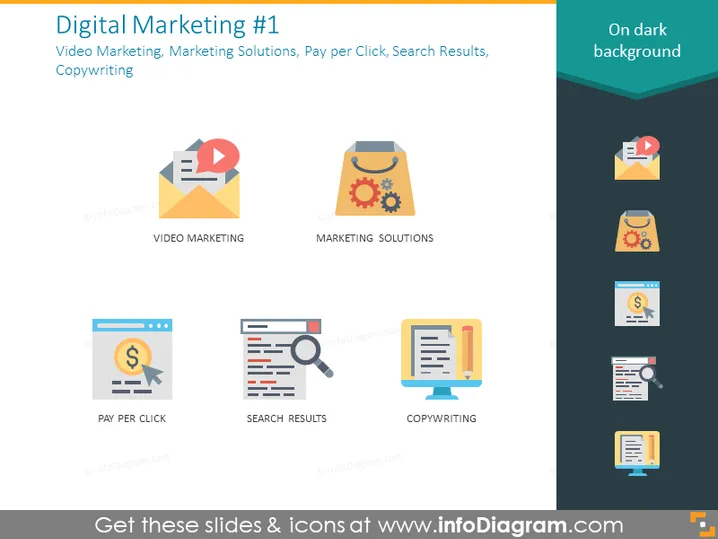
The PowerPoint slide is titled "Digital Marketing #1" and addresses four key components of digital marketing: Video Marketing involves using video content to promote a brand or product; Marketing Solutions refers to strategies or tools designed to promote products or services; Pay per Click is an internet advertising model used to drive traffic to websites, where an advertiser pays a publisher when the ad is clicked; and Search Results pertains to the listings on search engine pages that appear in response to a user's query, while Copywriting is the act of writing text for advertising or other forms of marketing.
The overall look is clean and professional, utilizing a minimalist design that allows for easy understanding of the slide's content. The color palette is pleasing and not overpowering, which aids in the focus on the content.



