
Reviews
Sus gráficos añaden un toque agradable a mis presentaciones y recientemente los usé para una de mis reuniones generales. Su conjunto de herramientas añade profesionalismo a mis diapositivas. En lugar de usar imágenes prediseñadas estándar.
Necesitaba un aspecto fresco para algunas de mis diapositivas. Había intentado encontrar una forma de crear un efecto de pincel, de subrayar, acentuar, añadir algo de color y los marcadores escritos a mano fueron justo lo que necesitaba. Muy fácil de usar, fácil de ajustar el tamaño, cambiar el color. Fue una solución asequible y perfecta, y estoy feliz de recomendarla.
El aspecto nítido y limpio de los gráficos, y el hecho de que me permitiera editar y cambiar fácilmente los colores para que coincidieran con la plantilla fue mi principal razón para comprarlos.
Description
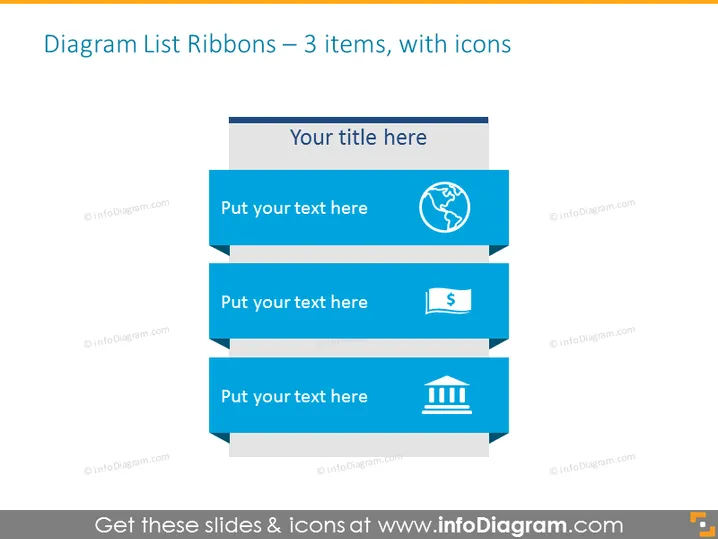
Diagram List Ribbons – 3 items, with icons
Slide Content
The PowerPoint slide titled "Diagram List Ribbons – 3 items, with icons" presents a sequence of three ribbon-shaped banner graphics, each paired with a unique icon. These ribbons are designed for viewers to insert brief descriptors or bullet points. The first ribbon includes a globe icon, indicating a potential connection to global issues or topics. The second features a money symbol, often representing financial matters. Lastly, the third ribbon sports a building column icon, commonly linked to institutional or foundational subjects.
Graphical Look
- Three horizontally stacked ribbon banners with text placeholders and associated icons to their right.
- Each ribbon has a different icon: a globe for the first, a money symbol for the second, and a building column for the third.
- The ribbons and icons are shades of blue, creating a cohesive color scheme.
- The ribbons have a folded effect, giving them a three-dimensional appearance.
- Each ribbon banner has a shadow effect behind it, adding depth to the slide.
The slide has a modern and professional feel, with a clean and structured design. The consistent use of blue tones and simplistic icons allows for easy interpretation of the content.
Use Cases
- Summarizing key points of a business strategy or plan, using the icons to denote different focus areas.
- Presenting quarterly financial updates, with each ribbon representing different financial metrics or categories.
- Outlining the structure of an organization, with ribbons highlighting various departments or divisions.
- Introducing a product or service, where each ribbon can detail unique features or benefits.
How to Edit
How to edit text & colors

How to expand / shorten diagram

How to Replace Icons in infoDiagram PPT


