
Reviews
The icons are fantastic, easy to use, and will add value to any project or presentation. Keep up the great work.
I love how simple infoDiagram's solutions are and the personal interest they took in my work. Recommended 1000%!
The crisp, clean look of the graphics, and the fact that it allowed me to easily edit and change the colors to match the template was my main reason for purchasing them.
Description
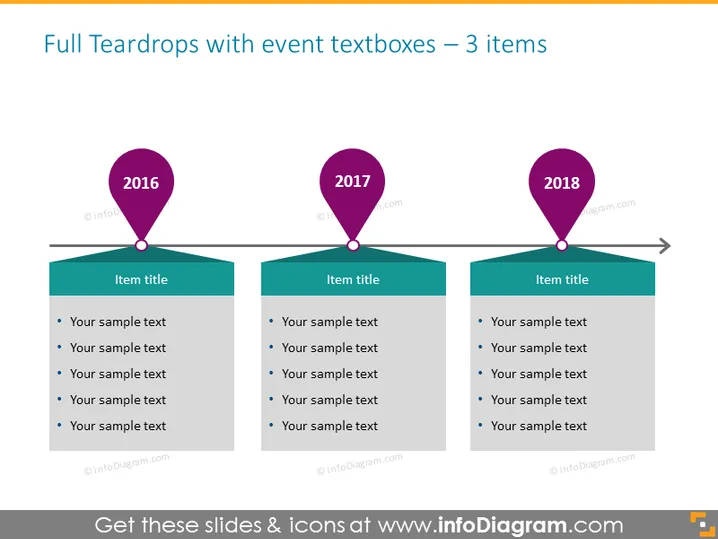
Full Teardrops with event textboxes – 3 items
Slide Content
The slide titled "Full Teardrops with event textboxes – 3 items" presents a timeline across three distinct points: 2016, 2017, and 2018. Each year is highlighted by a colorful teardrop shape that serves as a marker. Beneath each marker is a colored textbox labeled "Item title" followed by a bulleted list of sample text placeholders, suggesting this template is designed for detailing events, milestones, or other significant points in a sequence.
Graphical Look
- Three large teardrop icons in pink, each with a different year labeled on them: 2016, 2017, and 2018.
- Under each teardrop is a dark teal rectangle representing a text box with the phrase "Item title" on top.
- Inside each rectangle, there are five bullet points followed by the words "Your sample text", indicating placeholders for content.
- A horizontal dark grey arrow traverses the slide from the first to the last teardrop, suggesting progression or timeline flow.
- The color contrast between the pink teardrops, dark teal rectangles, and the white background aids in distinguishing the slide's elements.
The overall look is sleek and modern, with a clear color scheme that visually separates the years on the timeline. The teardrop shapes, combined with the textboxes, provide an attractive method for presenting sequential information in a presentation.
Use Cases
- To display a timeline of company milestones or significant events during a business update or stakeholder meeting.
- For illustrating the phases of a project, including past achievements and future targets, in a project management presentation.
- As an educational tool to show historical events or developments in a particular field over successive years.
- In marketing presentations to highlight product release history or key marketing campaigns over a period.
How to Edit
How to edit text & colors

How to expand / shorten diagram

How to Replace Icons in infoDiagram PPT


