
Reviews
Sus gráficos añaden un toque agradable a mis presentaciones y recientemente los usé para una de mis reuniones generales. Su conjunto de herramientas añade profesionalismo a mis diapositivas. En lugar de usar imágenes prediseñadas estándar.
Necesitaba un aspecto fresco para algunas de mis diapositivas. Había intentado encontrar una forma de crear un efecto de pincel, de subrayar, acentuar, añadir algo de color y los marcadores escritos a mano fueron justo lo que necesitaba. Muy fácil de usar, fácil de ajustar el tamaño, cambiar el color. Fue una solución asequible y perfecta, y estoy feliz de recomendarla.
El aspecto nítido y limpio de los gráficos, y el hecho de que me permitiera editar y cambiar fácilmente los colores para que coincidieran con la plantilla fue mi principal razón para comprarlos.
Description
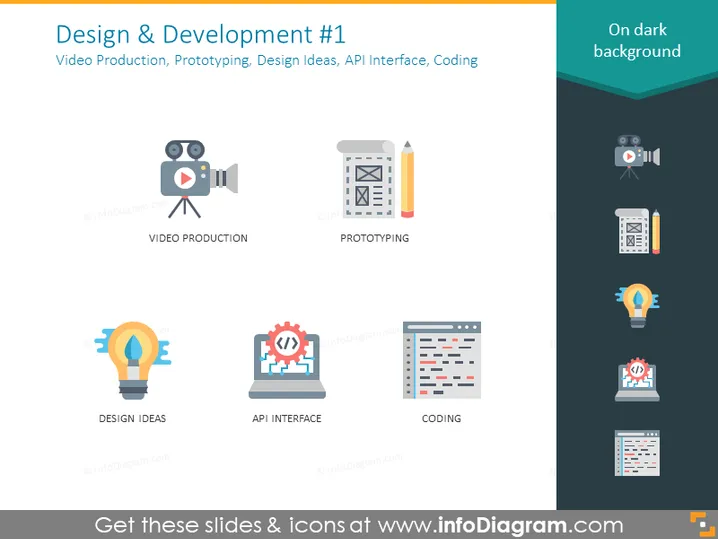
Design & Development #1
Slide Content
The slide titled "Design & Development #1" outlines four key components of a creative process. "Video Production" involves the creation and editing of videos; "Prototyping" refers to the drafting and refining of project designs; "Design Ideas" symbolizes the brainstorming and conceptualization phase; "API Interface" entails the construction of application programming interfaces for integration; and "Coding" covers the writing and testing of software code.
Graphical Look
- The slide background is a dark tone with a slight gradient, giving a modern and sleek appearance.
- There are five colorful icons, each representing a different concept related to design and development.
- The first icon depicts a video camera, symbolizing Video Production.
- The second icon features a mockup document with a pencil, representing Prototyping.
- A lightbulb icon illustrates the concept of Design Ideas.
- The fourth icon is a laptop with gears, indicating API Interface.
- The last icon shows lines of code on a document, signifying Coding.
- Each icon is accompanied by a label directly below in white text for clarity.
- The icons are arranged in a grid pattern, aligned for visual balance.
The slide presents a simple and clear visual with colorful icons on a dark background, which helps to emphasize the graphics and text, making it easy to read and visually appealing.
Use Cases
- Introducing the stages of a software development cycle in a company presentation.
- Highlighting various services offered by a digital agency in a client proposal.
- Describing the workflow and expertise of a design and development team during an internal meeting.
- Using it as a teaching tool for explaining the different aspects of design and development in an educational setting.
How to Edit
How to edit text & colors

How to expand / shorten diagram

How to Replace Icons in infoDiagram PPT


