

Your graphics add a nice touch to my presentations and I recently used them for one of my all-hands meetings. Your toolbox adds professionalism to my slides. Instead of using standard clipart.
Claude Jones, Director of Engineer, @Walmartlabs, USA

Your graphics add a nice touch to my presentations and I recently used them for one of my all-hands meetings. Your toolbox adds professionalism to my slides. Instead of using standard clipart.
Claude Jones, Director of Engineer, @Walmartlabs, USA
I needed a fresh look at some of my slides. I've tried to find a way to create a paintbrush effect, to underline, accentuate, add some color and the handwritten markers were just the things. Very easy to use, easy to size, change the color. It was an affordable, perfect solution and I'm happy to recommend it.
Anonymous, US
The crisp, clean look of the graphics, and the fact that it allowed me to easily edit and change the colors to match the template was my main reason for purchasing them.
Brandie Jenkins, E-learning Developer, USA
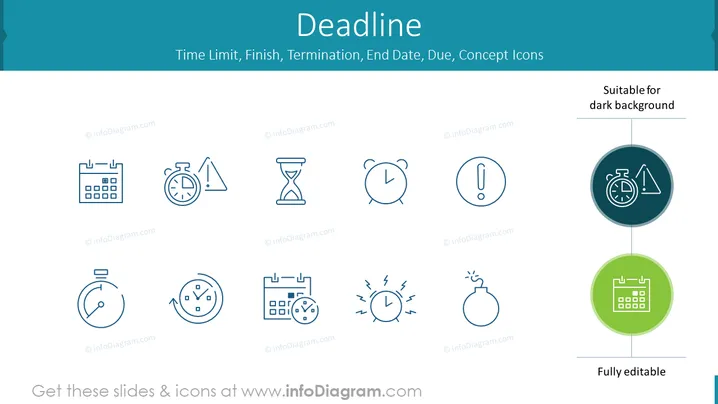
The PowerPoint slide is titled "Deadline" and it contains a collection of symbols and text related to time constraints, such as "Time Limit," "Finish," "Termination," "End Date," "Due," and "Concept Icons." Each item is represented by an icon, for instance, "Time Limit" could be depicted by an hourglass, reflecting the need to complete a task within a set period. "Finish" might be illustrated with a checkered flag, indicating the completion of an objective. "Termination" suggests an end or cessation, possibly of a contract or period. "End Date" refers to the final calendar date by which something must be finished. "Due" implies a deadline for submission or payment. "Concept Icons" could denote visual metaphors to communicate these ideas efficiently.
The slide has a minimalist and professional look, with icons that are clean and easily interpretable. The design focuses on visual communication of time-related concepts in a business or project management setting.



