
Reviews
Ihre Grafiken verleihen meinen Präsentationen eine nette Note, und ich habe sie kürzlich für eines meiner All-Hands-Meetings verwendet. Ihre Toolbox verleiht meinen Folien Professionalität, anstatt Standard-Clipart zu verwenden.
Ich brauchte einen neuen Blick auf einige meiner Folien. Ich habe versucht, einen Weg zu finden, einen Pinselschlag-Effekt zu erzielen, um zu unterstreichen, hervorzuheben, Farbe hinzuzufügen, und die handgeschriebenen Markierungen waren genau das Richtige. Sehr einfach zu bedienen, leicht in der Größe zu ändern, die Farbe zu ändern. Es war eine erschwingliche, perfekte Lösung und ich empfehle sie gerne weiter.
Die klare, saubere Optik der Grafiken und die Tatsache, dass ich die Farben leicht bearbeiten und an die Vorlage anpassen konnte, war mein Hauptgrund für den Kauf.
Description
DATA SECURITY, VISUALIZATION AND ANALYSIS
Slide Content
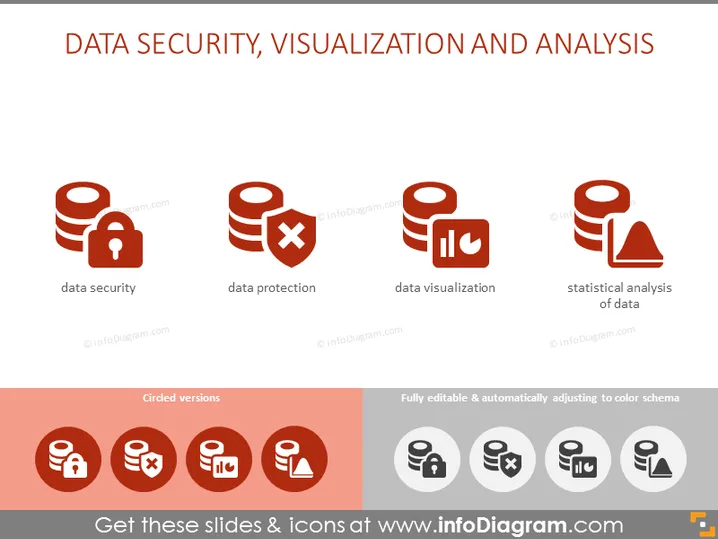
This PowerPoint slide focuses on the key aspects of information management: Data Security, Data Protection, Data Visualization, and Statistical Analysis of Data. Data Security involves safeguarding data from unauthorized access and threats. Data Protection includes measures to prevent data breaches and loss. Data Visualization is the representation of data in a visual context, such as a chart or map, to make the data easily understandable. Statistical Analysis of Data refers to the process of gathering, reviewing, analyzing, and drawing conclusions from data.
Graphical Look
- Four icons aligned horizontally at the top, each representing a different concept: data security, data protection, data visualization, and statistical analysis.
- An icon for data security featuring stacked disks with a padlock.
- An icon for data protection displaying stacked disks with a red prohibited sign.
- An icon for data visualization showing stacked disks with bar graphs.
- An icon for statistical analysis illustrated by stacked disks with a pie chart and a warning sign.
- Below these, a red banner labeled "Circled versions" featuring the same four icons inside red circles.
- To the right of the banner, a column labeled "Fully editable & automatically adjusting to color schema" showcasing the four original icons in grayscale.
The overall look of the slide is clean and modern with a strong visual hierarchy that communicates the concepts effectively. The color scheme is primarily red and gray, providing a professional and visually appealing contrast.
Use Cases
- Presenting the components of a comprehensive data management strategy in a business meeting.
- Educating employees during a training session on the importance of different facets of data handling within the company.
- Utilizing in a sales or marketing presentation to highlight the services offered by a company specializing in data management solutions.
- Including in a report or proposal to emphasize the need for investment in different areas of data security and analysis.
How to Edit
How to edit text & colors

How to expand / shorten diagram

How to Replace Icons in infoDiagram PPT


