
Your graphics add a nice touch to my presentations and I recently used them for one of my all-hands meetings. Your toolbox adds professionalism to my slides. Instead of using standard clipart.
Claude Jones, Director of Engineer, @Walmartlabs, USA
Your graphics add a nice touch to my presentations and I recently used them for one of my all-hands meetings. Your toolbox adds professionalism to my slides. Instead of using standard clipart.
Claude Jones, Director of Engineer, @Walmartlabs, USA
I needed a fresh look at some of my slides. I've tried to find a way to create a paintbrush effect, to underline, accentuate, add some color and the handwritten markers were just the things. Very easy to use, easy to size, change the color. It was an affordable, perfect solution and I'm happy to recommend it.
Anonymous, US
The crisp, clean look of the graphics, and the fact that it allowed me to easily edit and change the colors to match the template was my main reason for purchasing them.
Brandie Jenkins, E-learning Developer, USA
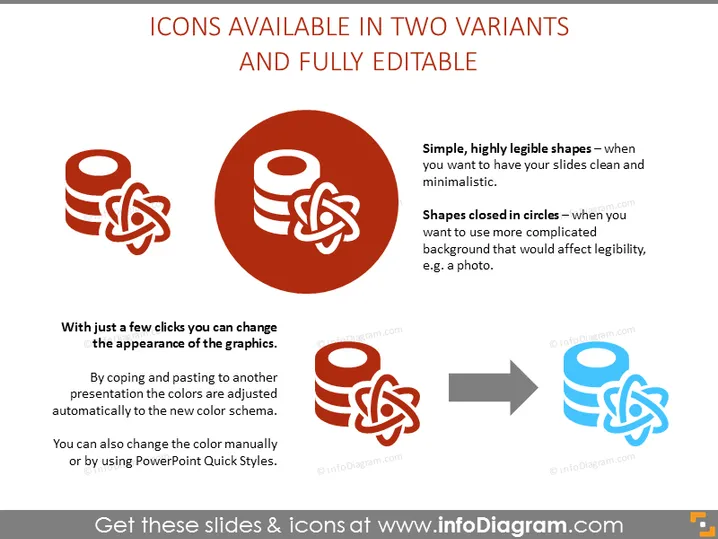
The slide showcases two variants of editable icons in PowerPoint slides. The first type is described as "Simple, highly legible shapes" which are suitable for slides that aim to be clean and minimalistic. This denotes icons that have simple design elements, without additional decorative features, ensuring high readability. The second type is "Shapes closed in circles" meant for use on more complex backgrounds like photos, indicating these icons are encased within circles to maintain visibility over busy imagery. The slide emphasizes the ease of customization by stating "With just a few clicks you can change the appearance of the graphics," explaining that colors can be quickly altered to fit different color schemes either manually or using PowerPoint's Quick Styles.
The overall look of the slide is clean and professional, using iconography and contrasting colors to visually differentiate between the two styles of icons. The use of shapes and arrows creates a sense of movement and transformation, reinforcing the slide's message about the adaptability of the icons.




