
Reviews
Your graphics add a nice touch to my presentations and I recently used them for one of my all-hands meetings. Your toolbox adds professionalism to my slides. Instead of using standard clipart.
I needed a fresh look at some of my slides. I've tried to find a way to create a paintbrush effect, to underline, accentuate, add some color and the handwritten markers were just the things. Very easy to use, easy to size, change the color. It was an affordable, perfect solution and I'm happy to recommend it.
The crisp, clean look of the graphics, and the fact that it allowed me to easily edit and change the colors to match the template was my main reason for purchasing them.
Description
Data Analysis Icons
Slide Content
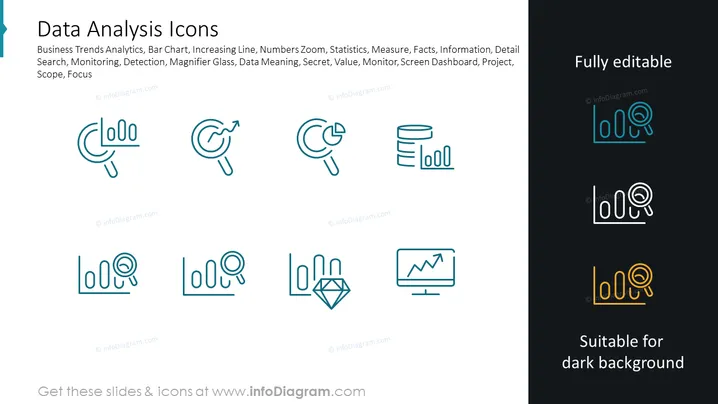
The PowerPoint slide titled "Data Analysis Icons" contains a collection of icons related to data analysis themes such as Business Trends Analytics, Bar Chart, Increasing Line, and Numbers Zoom. Each icon visually encapsulates a concept used in data analytics: the magnifying glass with trends represents search or monitoring, a growing graph depicts increasing line trends, a bar chart for statistics, and so on. These elements are likely meant to represent tools for measuring, facts checking, understanding information in detail, data meaning, and focusing on project scopes.
Graphical Look
- The slide has a contemporary and clean design with a two-tone background split diagonally.
- A total of eight icons are arrayed in two rows, alternating between light and dark versions which are suitable for different background contrasts.
- Each icon is monochromatic and follows a consistent line-based design style, giving them a unified appearance.
- The icons are surrounded by ample white space, making each one stand out and easy to identify.
- On the right side of the slide, there is a text box with the words "Fully editable" and "Suitable for dark background" to inform users about the adaptability of the icons.
The overall visual theme is minimalist and professional, with a focus on clarity and ease of understanding. The icons are crafted with simplicity in mind, making them versatile for a range of presentation needs.
Use Cases
- Illustrating different types of data analysis techniques in a business presentation, using the icons for clarity.
- Enhancing slides in a workshop about data analytics to make complex concepts more visually accessible.
- Utilizing icons as navigational elements in an interactive presentation to jump to different sections or topics related to data analysis.
- Incorporating icons into report slides as visual cues to accompany textual data about business analytics, trends, and results.
How to Edit
How to edit text & colors

How to expand / shorten diagram

How to Replace Icons in infoDiagram PPT


