

Your graphics add a nice touch to my presentations and I recently used them for one of my all-hands meetings. Your toolbox adds professionalism to my slides. Instead of using standard clipart.
Claude Jones, Director of Engineer, @Walmartlabs, USA

Your graphics add a nice touch to my presentations and I recently used them for one of my all-hands meetings. Your toolbox adds professionalism to my slides. Instead of using standard clipart.
Claude Jones, Director of Engineer, @Walmartlabs, USA
I needed a fresh look at some of my slides. I've tried to find a way to create a paintbrush effect, to underline, accentuate, add some color and the handwritten markers were just the things. Very easy to use, easy to size, change the color. It was an affordable, perfect solution and I'm happy to recommend it.
Anonymous, US
The crisp, clean look of the graphics, and the fact that it allowed me to easily edit and change the colors to match the template was my main reason for purchasing them.
Brandie Jenkins, E-learning Developer, USA
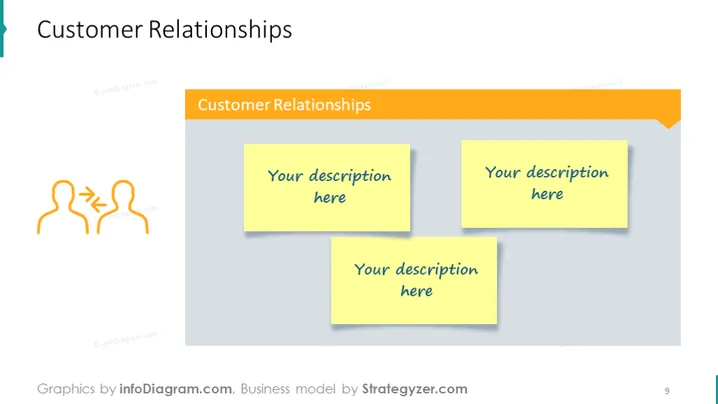
This slide is part of a Business Model Canvas, focusing on the "Customer Relationships" section. It addresses the types of relationships a company establishes with its customer segments, ranging from personal assistance to automated services. The placeholder notes are intended to describe how a company interacts with its customers, maintains customer loyalty, and provides customer support, which is vital for customer retention and satisfaction.
The graphical elements are designed to prompt users to think about their company's approach to customer relationships. The sticky notes suggest interactivity and customization, while the warm colors give a friendly touch to the design.



