

Your graphics add a nice touch to my presentations and I recently used them for one of my all-hands meetings. Your toolbox adds professionalism to my slides. Instead of using standard clipart.
Claude Jones, Director of Engineer, @Walmartlabs, USA

Your graphics add a nice touch to my presentations and I recently used them for one of my all-hands meetings. Your toolbox adds professionalism to my slides. Instead of using standard clipart.
Claude Jones, Director of Engineer, @Walmartlabs, USA
I needed a fresh look at some of my slides. I've tried to find a way to create a paintbrush effect, to underline, accentuate, add some color and the handwritten markers were just the things. Very easy to use, easy to size, change the color. It was an affordable, perfect solution and I'm happy to recommend it.
Anonymous, US
The crisp, clean look of the graphics, and the fact that it allowed me to easily edit and change the colors to match the template was my main reason for purchasing them.
Brandie Jenkins, E-learning Developer, USA
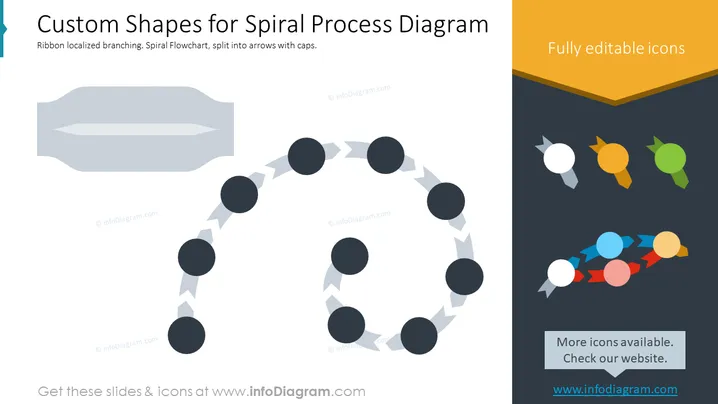
This PowerPoint slide highlights the customizable features for creating spiral process diagrams. It demonstrates a ribbon-like branching spiral flowchart, where each segment of the spiral is depicted by arrow shapes capped with circles. The circles could symbolize stages or milestones in a process, and the arrowed lines represent the flow or progression from one stage to the next. Additional icons are shown in a variety of colors on the right side to indicate full editability and the availability of more options to tailor the diagram for different needs or presentations.
The overall look of the slide is sleek and professional, utilizing icons and shapes to convey a process or flow. The color palette consists of muted tones with small spots of vibrant colors to draw attention to key elements.



