
Reviews
Your slides are my 'secret sauce' when it comes to visualising my ideas to clients. I'm saving so much time.
InfoDiagram has been a wonderful resource since I found the product site a few years ago.
Your slides often generate good comments and ideas from my team that improve the final slides.
Description
Custom Shapes for HR Systems Diagrams
Slide Content
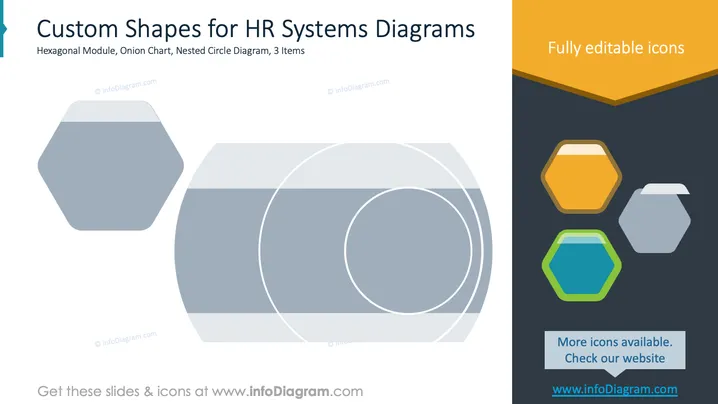
The slide presents "Custom Shapes for HR Systems Diagrams," showcasing three items: Hexagonal Module, a versatile shape for modular representation; Onion Chart, indicative of layered information; and Nested Circle Diagram, useful for displaying hierarchical data relationships. These graphics are tailored for HR systems, aiding in visualizing complex structures and processes within organizations.
Graphical Look
- The slide background is mostly white, providing a clean, professional canvas.
- On the left, there is a large, light grey hexagon, followed by a series of overlapping circles forming a nested circle diagram with gradients of grey shades.
- On the right, a vertical graphical banner with a dark background includes three colorful hexagonal icons in orange, blue, and green.
- The top of the right banner has a bright orange section labeled "Fully editable icons."
- Below the icons is a blue button with text about more icon availability.
The slide has a balanced design with a clear separation of textual and graphical elements, maintaining an organized and appealing look that enhances clarity and focus.
Use Cases
- Visualizing organizational structure in HR presentations.
- Demonstrating process flows in business seminars.
- Illustrating data hierarchy in training sessions.
- Presenting modular system components in workshops.
How to Edit
How to edit text & colors

How to expand / shorten diagram

How to Replace Icons in infoDiagram PPT


