

Your graphics add a nice touch to my presentations and I recently used them for one of my all-hands meetings. Your toolbox adds professionalism to my slides. Instead of using standard clipart.
Claude Jones, Director of Engineer, @Walmartlabs, USA

Your graphics add a nice touch to my presentations and I recently used them for one of my all-hands meetings. Your toolbox adds professionalism to my slides. Instead of using standard clipart.
Claude Jones, Director of Engineer, @Walmartlabs, USA
I needed a fresh look at some of my slides. I've tried to find a way to create a paintbrush effect, to underline, accentuate, add some color and the handwritten markers were just the things. Very easy to use, easy to size, change the color. It was an affordable, perfect solution and I'm happy to recommend it.
Anonymous, US
The crisp, clean look of the graphics, and the fact that it allowed me to easily edit and change the colors to match the template was my main reason for purchasing them.
Brandie Jenkins, E-learning Developer, USA
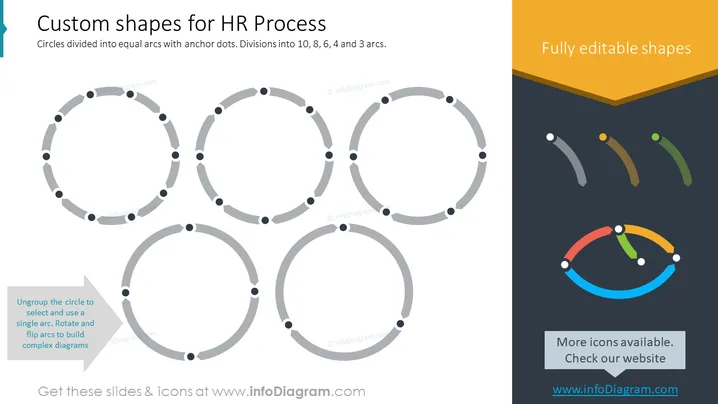
The slide presents various circular shapes designed for illustrating human resources processes. These circular shapes are divided into equal arcs with anchor dots, representing different stages or elements in a process. The divisions are specifically into 10, 8, 6, and 3 arcs which could indicate the steps, phases, or aspects of an HR process. These visual segments can help viewers to understand the cycle and interaction among different HR tasks. An instruction at the bottom left suggests that the circle can be ungrouped to use a single arc, enabling rotation and flipping to build complex diagrams, showing the flexibility of the design for various uses.
The slide has a simple and modern design. The use of grayscale for the main graphics ensures focus on the structure, while the colorful elements on the right add a touch of vibrancy.



