
Your graphics add a nice touch to my presentations and I recently used them for one of my all-hands meetings. Your toolbox adds professionalism to my slides. Instead of using standard clipart.
Claude Jones, Director of Engineer, @Walmartlabs, USA

Your graphics add a nice touch to my presentations and I recently used them for one of my all-hands meetings. Your toolbox adds professionalism to my slides. Instead of using standard clipart.
Claude Jones, Director of Engineer, @Walmartlabs, USA
I needed a fresh look at some of my slides. I've tried to find a way to create a paintbrush effect, to underline, accentuate, add some color and the handwritten markers were just the things. Very easy to use, easy to size, change the color. It was an affordable, perfect solution and I'm happy to recommend it.
Anonymous, US
The crisp, clean look of the graphics, and the fact that it allowed me to easily edit and change the colors to match the template was my main reason for purchasing them.
Brandie Jenkins, E-learning Developer, USA
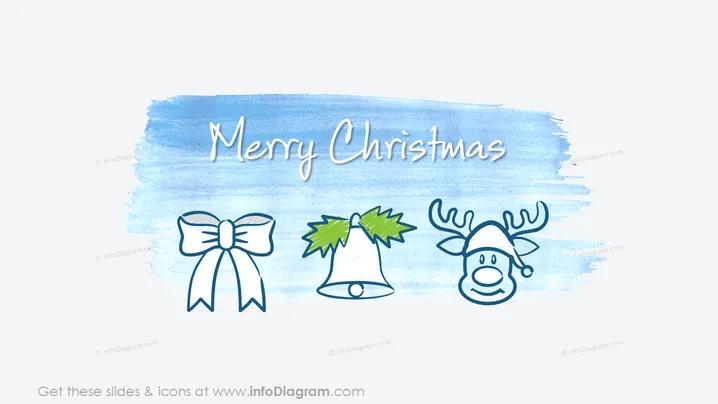
This PowerPoint slide titled "Merry Christmas" likely serves as a holiday greeting or festive addition to a larger presentation. It may be used to convey season's greetings within a business context or to set a cheerful and celebratory tone. The individual graphic elements—such as the bow, bell with holly, and reindeer—symbolize traditional Christmas imagery that is universally recognized, contributing to the festive theme of the slide.
The overall look of the slide is cheerful and whimsical, using a cool-toned palette with festive, hand-drawn Christmas icons that give it a relaxed, holiday feel.