
Reviews
Your graphics add a nice touch to my presentations and I recently used them for one of my all-hands meetings. Your toolbox adds professionalism to my slides. Instead of using standard clipart.
I needed a fresh look at some of my slides. I've tried to find a way to create a paintbrush effect, to underline, accentuate, add some color and the handwritten markers were just the things. Very easy to use, easy to size, change the color. It was an affordable, perfect solution and I'm happy to recommend it.
The crisp, clean look of the graphics, and the fact that it allowed me to easily edit and change the colors to match the template was my main reason for purchasing them.
Description
CHRISTMAS ICONS
Slide Content
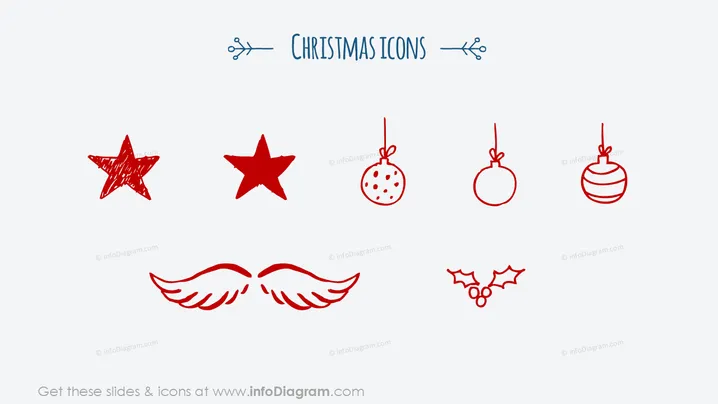
The PowerPoint slide is titled "CHRISTMAS ICONS" and showcases a collection of seven hand-drawn style icons related to Christmas. The icons represent traditional elements of Christmas decor and themes: two different stars, three Christmas ornaments varying in design, a pair of angel wings, and holly leaves with berries. Each icon is distinctive, evoking a personal or whimsical touch that captures the festive essence of the holiday season.
Graphical Look
- The slide background is plain white, giving a clean and minimalistic feel.
- The title "CHRISTMAS ICONS" is centered at the top in a large, playful, script font, flanked by two small, decorative snowflake-like elements.
- Seven icons are arranged in two rows, with the first row containing three icons and the second row containing four.
- The icons are sketched in a red outline, giving them a festive and handcrafted appearance.
- The style of the icons is consistent, featuring a simple line art that resembles quick pen drawings or scribbles.
- There are no additional graphical elements or text on the slide.
The slide has a simple yet engaging design that uses minimal color, relying on the red sketch lines to provide contrast and festive cheer. The overall look is artistic and informal, suitable for capturing attention in a light-hearted manner.
Use Cases
- To infuse a presentation with holiday spirit during company year-end reports or Christmas parties.
- For use in marketing materials to promote holiday sales, events, or seasonal offerings.
- In educational settings, to illustrate a lesson or activity related to Christmas traditions.
- As decorative elements in various digital or printed materials such as holiday greeting cards or invitations.
How to Edit
How to edit text & colors

How to expand / shorten diagram

How to Replace Icons in infoDiagram PPT


