

Your graphics add a nice touch to my presentations and I recently used them for one of my all-hands meetings. Your toolbox adds professionalism to my slides. Instead of using standard clipart.
Claude Jones, Director of Engineer, @Walmartlabs, USA

Your graphics add a nice touch to my presentations and I recently used them for one of my all-hands meetings. Your toolbox adds professionalism to my slides. Instead of using standard clipart.
Claude Jones, Director of Engineer, @Walmartlabs, USA
I needed a fresh look at some of my slides. I've tried to find a way to create a paintbrush effect, to underline, accentuate, add some color and the handwritten markers were just the things. Very easy to use, easy to size, change the color. It was an affordable, perfect solution and I'm happy to recommend it.
Anonymous, US
The crisp, clean look of the graphics, and the fact that it allowed me to easily edit and change the colors to match the template was my main reason for purchasing them.
Brandie Jenkins, E-learning Developer, USA
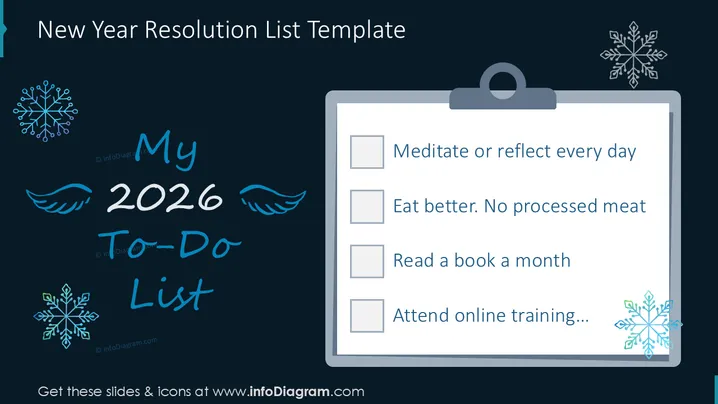
The PowerPoint slide titled "To-do list for 2024" details personal goals or resolutions. It features a list of four items each preceded by a green checkmark, suggesting tasks to be accomplished or habits to be adopted. "I will jog daily" implies a commitment to regular physical activity. "I will eat better, less meat" indicates a dietary goal, possibly for health or ethical reasons. "I will read motivational book a month" shows a desire for self-improvement through reading. "I will attend online training" hints at professional development or learning new skills.
The slide has a clean and simple design, with a lifelike depiction of a paper notepad and pen. The checkmarks next to each goal provide a visually satisfying indication of tasks that could be marked as completed.



