

Your graphics add a nice touch to my presentations and I recently used them for one of my all-hands meetings. Your toolbox adds professionalism to my slides. Instead of using standard clipart.
Claude Jones, Director of Engineer, @Walmartlabs, USA

Your graphics add a nice touch to my presentations and I recently used them for one of my all-hands meetings. Your toolbox adds professionalism to my slides. Instead of using standard clipart.
Claude Jones, Director of Engineer, @Walmartlabs, USA
I needed a fresh look at some of my slides. I've tried to find a way to create a paintbrush effect, to underline, accentuate, add some color and the handwritten markers were just the things. Very easy to use, easy to size, change the color. It was an affordable, perfect solution and I'm happy to recommend it.
Anonymous, US
The crisp, clean look of the graphics, and the fact that it allowed me to easily edit and change the colors to match the template was my main reason for purchasing them.
Brandie Jenkins, E-learning Developer, USA
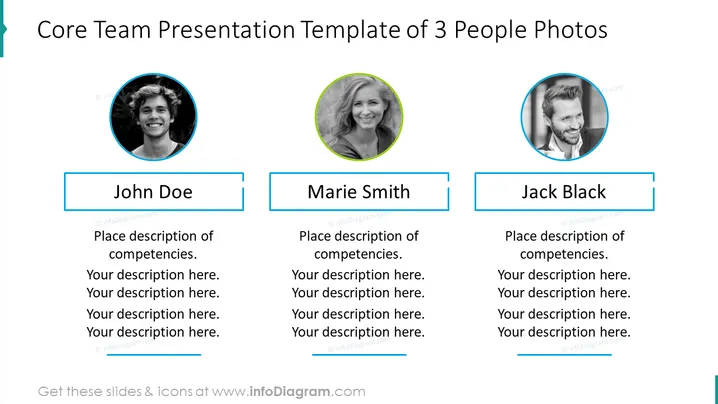
The slide is a template for presenting a core team composed of three individuals. Each person is represented by a circular photo and a name tag. Below each name is space for a detailed description of each individual's competencies. The placeholders "John Doe," "Marie Smith," and "Jack Black" suggest where to input actual team member names and their respective descriptions.
The overall look of the slide is professional and visually balanced. The use of color is consistent and strategic, helping to clearly delineate sections and maintain a coherent visual flow.



