

Your graphics add a nice touch to my presentations and I recently used them for one of my all-hands meetings. Your toolbox adds professionalism to my slides. Instead of using standard clipart.
Claude Jones, Director of Engineer, @Walmartlabs, USA

Your graphics add a nice touch to my presentations and I recently used them for one of my all-hands meetings. Your toolbox adds professionalism to my slides. Instead of using standard clipart.
Claude Jones, Director of Engineer, @Walmartlabs, USA
I needed a fresh look at some of my slides. I've tried to find a way to create a paintbrush effect, to underline, accentuate, add some color and the handwritten markers were just the things. Very easy to use, easy to size, change the color. It was an affordable, perfect solution and I'm happy to recommend it.
Anonymous, US
The crisp, clean look of the graphics, and the fact that it allowed me to easily edit and change the colors to match the template was my main reason for purchasing them.
Brandie Jenkins, E-learning Developer, USA
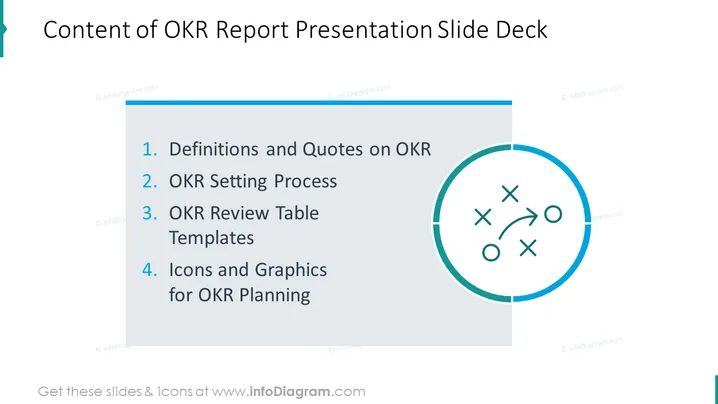
The PowerPoint slide is titled "Content of OKR Report Presentation Slide Deck" and outlines four key sections of the presentation. "1. Definitions and Quotes on OKR" likely provides foundational information and notable perspectives on Objectives and Key Results. "2. OKR Setting Process" probably discusses the methodology for establishing OKRs. "3. OKR Review Table Templates" might offer tools for tracking and assessing progress towards OKRs. "4. Icons and Graphics for OKR Planning" suggests visual aids to help conceptualize and plan OKR strategies.
The slide offers a clean and professional appearance with a simple color palette and clear separation of text and graphic elements. The visual design focuses on clarity, using contrast and graphical shapes to convey structure and flow.



