
Reviews
Ihre Grafiken verleihen meinen Präsentationen eine nette Note, und ich habe sie kürzlich für eines meiner All-Hands-Meetings verwendet. Ihre Toolbox verleiht meinen Folien Professionalität, anstatt Standard-Clipart zu verwenden.
Ich brauchte einen neuen Blick auf einige meiner Folien. Ich habe versucht, einen Weg zu finden, einen Pinselschlag-Effekt zu erzielen, um zu unterstreichen, hervorzuheben, Farbe hinzuzufügen, und die handgeschriebenen Markierungen waren genau das Richtige. Sehr einfach zu bedienen, leicht in der Größe zu ändern, die Farbe zu ändern. Es war eine erschwingliche, perfekte Lösung und ich empfehle sie gerne weiter.
Die klare, saubere Optik der Grafiken und die Tatsache, dass ich die Farben leicht bearbeiten und an die Vorlage anpassen konnte, war mein Hauptgrund für den Kauf.
Description
Content creation
Slide Content
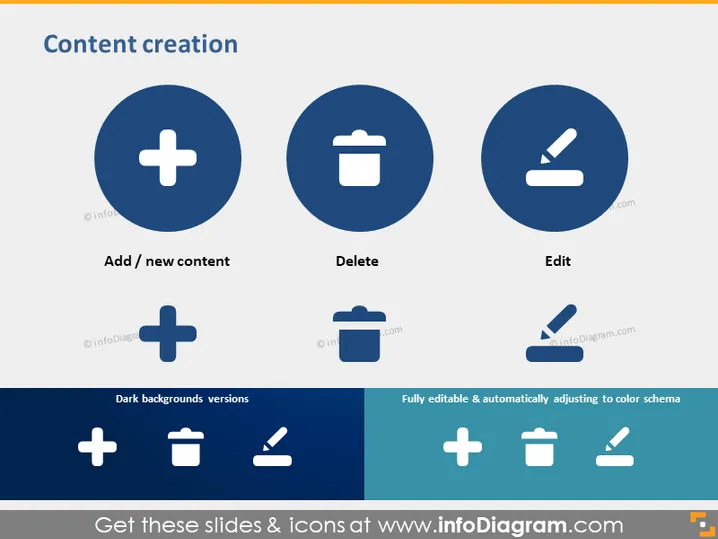
The slide is about "Content creation" and consists of three main concepts: 'Add / new content,' 'Delete,' and 'Edit.' The 'Add / new content' signifies the process of introducing new material or information. 'Delete' represents the removal of unnecessary or unwanted content. 'Edit' indicates making changes to existing material to update, correct, or improve it. The slide also shows versions of icons that are visible on dark backgrounds, suggesting adaptability for different presentation designs.
Graphical Look
- Title "Content creation" at the top of the slide in bold, large font.
- Three main graphical icons arranged horizontally, each within a blue circle.
- A plus sign icon represents adding or creating new content.
- A trash bin icon symbolizes the deletion of content.
- A pencil icon indicates editing or modifying content.
- Text labels under each icon describe their respective actions.
- Two sets of the same icons appear in a smaller size, both in regular and 'Dark backgrounds versions.'
- A visual annotation in the bottom right corner highlights the icons' adaptability with the text "Fully editable & automatically adjusting to color schema."
The slide has a clean and professional look with a minimalist design emphasizing functionality through the use of universally recognized icons. The color scheme is a combination of dark blue, white, and light blue, which maintains a corporate and straightforward aesthetic.
Use Cases
- To introduce the steps or functionalities used in a content management system during a product demonstration.
- In training and instructional materials to explain the various content operations that users can perform.
- As part of a strategy presentation to discuss content marketing tactics, emphasizing creation, curation, and editing.
- To guide discussions on website or app development with a focus on user interface design regarding content manipulation tools.
How to Edit
How to edit text & colors

How to expand / shorten diagram

How to Replace Icons in infoDiagram PPT


