
Reviews
Your graphics add a nice touch to my presentations and I recently used them for one of my all-hands meetings. Your toolbox adds professionalism to my slides. Instead of using standard clipart.
I needed a fresh look at some of my slides. I've tried to find a way to create a paintbrush effect, to underline, accentuate, add some color and the handwritten markers were just the things. Very easy to use, easy to size, change the color. It was an affordable, perfect solution and I'm happy to recommend it.
The crisp, clean look of the graphics, and the fact that it allowed me to easily edit and change the colors to match the template was my main reason for purchasing them.
Description
Contact symbols
Slide Content
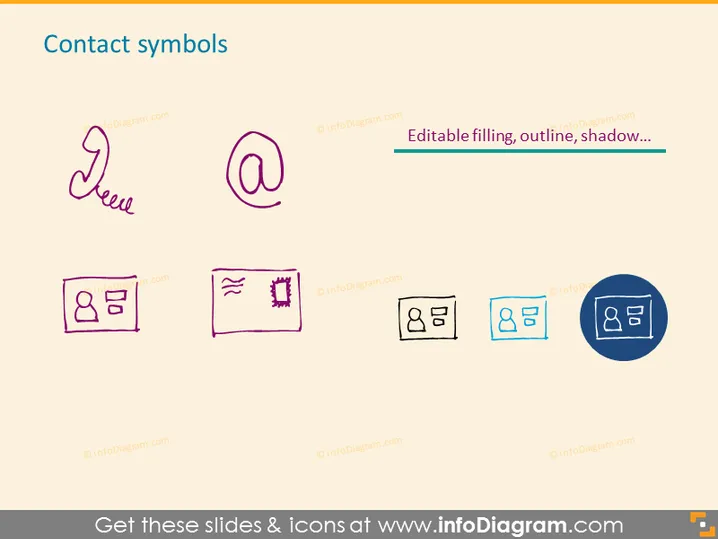
The slide titled "Contact symbols" exhibits various graphical representations of contact-related icons. It includes a handwritten-like icon for "New", an "@" symbol indicating email, and different styles of name tag or ID card icons, signifying personal identification or information cards. These icons are meant to visually communicate contact information or identify elements within a presentation that relate to reaching out or identifying individuals or entities.
Graphical Look
- The slide background is a light beige color.
- The slide title "Contact symbols" is positioned at the top, centered, and set in a large, dark blue font.
- A set of six icons is arranged in two rows beneath the title, with each icon featuring a unique outline and fill color.
- The first icon on the top left is stylized as a cursive "New" label, in a monoline handwritten style, colored in dark purple.
- The second icon in the sequence is the "@" symbol, depicted in a simple, two-dimensional style in magenta.
- The words "Editable filling, outline, shadow..." are placed next to the "@" symbol, suggesting customization features of the icons, written in a smaller, dark blue font.
- The next four icons in the bottom row represent variations of ID cards or name tags, with placeholders for a profile image and text, differing in design complexity and color palettes from solid pink to blue with a shadow effect.
- The last icon, positioned at the right side of the second row, is highlighted within a darker blue circular background, drawing attention to this version's distinct style compared to the others.
The overall aesthetic is minimalistic, with a focus on the icons themselves. The chosen icons and their arrangement provide an easy visual reference for topics related to contact information.
Use Cases
- To highlight contact information in a business presentation, such as representing team member profiles or providing contact details.
- For visual enhancement in slides during networking events where participant identification or information exchange is a primary focus.
- In any sort of template that requires the depiction of multiple forms of communication, like email and personal identification.
- When introducing new team members or services, using the "New" icon as a visual cue.
How to Edit
How to edit text & colors

How to expand / shorten diagram

How to Replace Icons in infoDiagram PPT


