
Reviews
Your slides are my 'secret sauce' when it comes to visualising my ideas to clients. I'm saving so much time.
InfoDiagram has been a wonderful resource since I found the product site a few years ago.
Your slides often generate good comments and ideas from my team that improve the final slides.
Description
Contact Icons
Slide Content
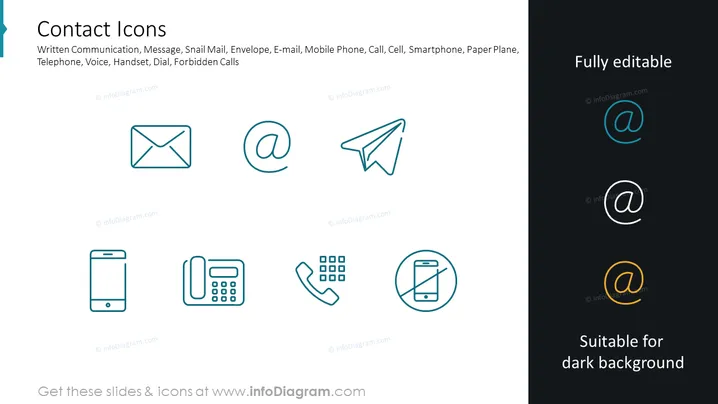
The slide is titled "Contact Icons" and displays a collection of icons that represent different modes of communication. The icons depict written communication, message, snail mail (envelope for traditional postal mail), e-mail (electronic correspondence), mobile phone (portable telephonic device), call (voice communication), cell (cellular phone), smartphone (advanced mobile phone with computing capability), paper plane (symbolizes a sent message), and forbidden calls (a crossed-out phone indicating a call is not allowed or to silence the phone).
Graphical Look
- The slide background is plain white for clarity.
- A stylized banner at the top left corner is blue, complementing the icon colors.
- All icons are lined up in two rows, evenly spaced across the slide.
- Each icon is outlined in a thin light blue line with a matching light blue fill when hovered over.
- Icons are simplistic and easily recognizable representations of the contact methods.
- The text "Fully editable" is positioned at the top right, indicating customizability.
- A section at the bottom right shows the same icons contrasted against a black background with glowing colors to indicate they are "Suitable for dark background."
- The icons have a subtle shadow effect for a touch of depth.
The slide has a clean, modern, and professional appearance with a coherent color scheme focusing on blue hues. The design is minimalistic, which emphasizes the icons and ensures they are the central point of attention.
Use Cases
- To visually represent various communication channels in business meetings and presentations.
- In corporate training material to explain different methods of communication and their appropriate use.
- Within marketing materials to showcase how customers can contact a business.
- In user interface design or website presentations to demonstrate icon integration for communication features.
How to Edit
How to edit text & colors

How to expand / shorten diagram

How to Replace Icons in infoDiagram PPT


