
Reviews
Sus gráficos añaden un toque agradable a mis presentaciones y recientemente los usé para una de mis reuniones generales. Su conjunto de herramientas añade profesionalismo a mis diapositivas. En lugar de usar imágenes prediseñadas estándar.
Necesitaba un aspecto fresco para algunas de mis diapositivas. Había intentado encontrar una forma de crear un efecto de pincel, de subrayar, acentuar, añadir algo de color y los marcadores escritos a mano fueron justo lo que necesitaba. Muy fácil de usar, fácil de ajustar el tamaño, cambiar el color. Fue una solución asequible y perfecta, y estoy feliz de recomendarla.
El aspecto nítido y limpio de los gráficos, y el hecho de que me permitiera editar y cambiar fácilmente los colores para que coincidieran con la plantilla fue mi principal razón para comprarlos.
Description
Contact us
Slide Content
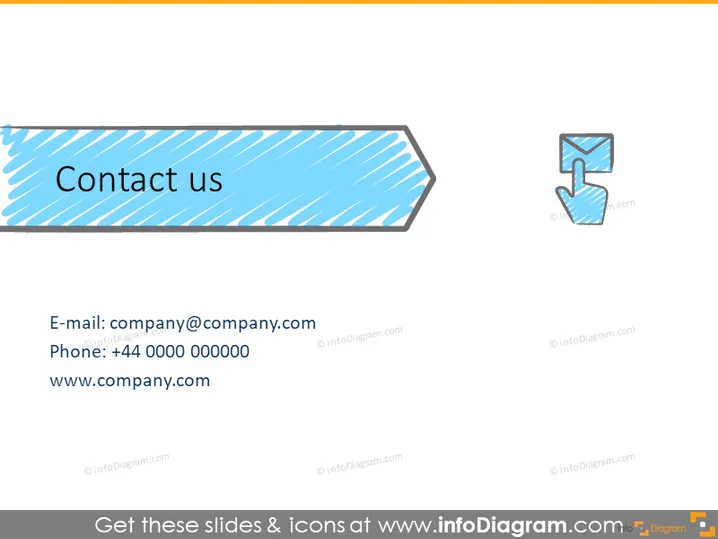
This PowerPoint slide is designed to provide contact information, ostensibly for a business or organization. It contains a stylized graphic representing an email address (company@company.com), a phone number (+44 0000 000000), and a website URL (www.company.com). Each contact method is meant to offer a different channel for reaching the organization, covering digital communication through email, direct verbal communication via phone, and self-service information by visiting the website.
Graphical Look
- A large arrow-shaped banner with a diagonal striped pattern serves as the slide's title area and contains the words "Contact us" in a bold, white font.
- To the right of the arrow-shaped banner is an icon of a hand cursor clicking on a button, symbolizing action or choice.
- The text providing contact details is presented in a clean, black font against a plain white background for optimal readability.
- Three lines of text are neatly aligned below the banner, separated by bullet points for clarity.
- Each line of text is prefixed with a corresponding icon – an envelope for email, a phone for the telephone number, and a globe for the website URL.
- The icons are matched in style, with a hand-drawn, sketched look and soft blue and gray coloring.
The overall design is minimalistic with a clear focus on conveying contact information. The use of icons next to each contact detail makes it visually engaging and easily identifiable.
Use Cases
- At the end of business presentations to provide contact details for follow-up questions or further discussions.
- Within marketing materials to guide potential clients or partners on how to reach the company.
- On informational slides at trade shows or conferences to help attendees connect with the company representatives.
- Embedded in webinars or online presentations as a final slide, offering viewers a way to get in touch.
How to Edit
How to edit text & colors

How to expand / shorten diagram

How to Replace Icons in infoDiagram PPT


