
Reviews
Sus gráficos añaden un toque agradable a mis presentaciones y recientemente los usé para una de mis reuniones generales. Su conjunto de herramientas añade profesionalismo a mis diapositivas. En lugar de usar imágenes prediseñadas estándar.
Necesitaba un aspecto fresco para algunas de mis diapositivas. Había intentado encontrar una forma de crear un efecto de pincel, de subrayar, acentuar, añadir algo de color y los marcadores escritos a mano fueron justo lo que necesitaba. Muy fácil de usar, fácil de ajustar el tamaño, cambiar el color. Fue una solución asequible y perfecta, y estoy feliz de recomendarla.
El aspecto nítido y limpio de los gráficos, y el hecho de que me permitiera editar y cambiar fácilmente los colores para que coincidieran con la plantilla fue mi principal razón para comprarlos.
Description
Contact Us
Slide Content
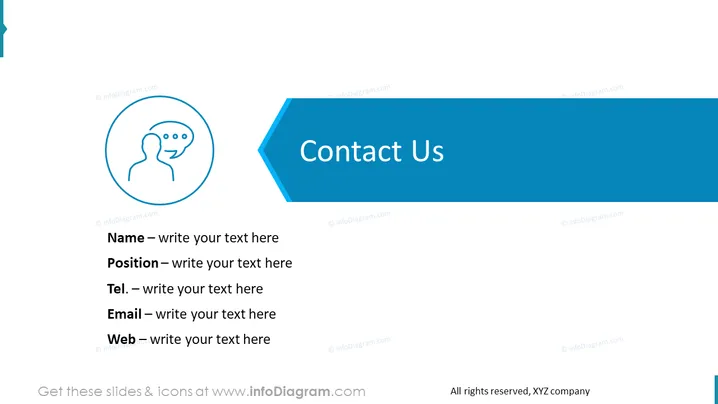
The slide appears to be designed for providing contact information, featuring placeholders for a Name, Position, Telephone, Email, and Web address, signifying it's meant for an individual's professional contact details. The slide ensures that essential contact points are covered: Name indicates the person's identity, Position describes their role within the organization, Tel. is for telephone contact, Email for electronic correspondence, and Web might usually refer to a personal or company website.
Graphical Look
- The slide has a clean, professional look with a blue and white color scheme.
- At the top left, there is a circular icon with a stylized person figure and a speech bubble, suggesting communication or conversation.
- The slide title, "Contact Us," is presented in a bold, white font on a blue right-pointing arrow shape, which creates a feeling of direction and action.
- Below the title, there's a series of lines for the contact information, each preceded by a label (Name, Position, Tel., Email, Web) in bold and followed by a lighter placeholder text.
- The background of the slide is predominantly white, with a dark blue bottom edge that complements the title's background.
The overall look is clean and business-like, conveying a sense of efficiency and straightforward communication. The use of iconography and distinct areas for text makes the slide easy to read and visually appealing.
Use Cases
- In corporate presentations to introduce a team member or speaker and provide their contact information.
- Within training materials to supply participants with the contact details of the organizer or support personnel.
- During sales or marketing pitches to ensure prospective clients have direct lines of communication to key contacts.
- At networking events or webinars as a final slide, offering attendees information on how to stay connected post-event.
How to Edit
How to edit text & colors

How to expand / shorten diagram

How to Replace Icons in infoDiagram PPT


