

Your graphics add a nice touch to my presentations and I recently used them for one of my all-hands meetings. Your toolbox adds professionalism to my slides. Instead of using standard clipart.
Claude Jones, Director of Engineer, @Walmartlabs, USA

Your graphics add a nice touch to my presentations and I recently used them for one of my all-hands meetings. Your toolbox adds professionalism to my slides. Instead of using standard clipart.
Claude Jones, Director of Engineer, @Walmartlabs, USA
I needed a fresh look at some of my slides. I've tried to find a way to create a paintbrush effect, to underline, accentuate, add some color and the handwritten markers were just the things. Very easy to use, easy to size, change the color. It was an affordable, perfect solution and I'm happy to recommend it.
Anonymous, US
The crisp, clean look of the graphics, and the fact that it allowed me to easily edit and change the colors to match the template was my main reason for purchasing them.
Brandie Jenkins, E-learning Developer, USA
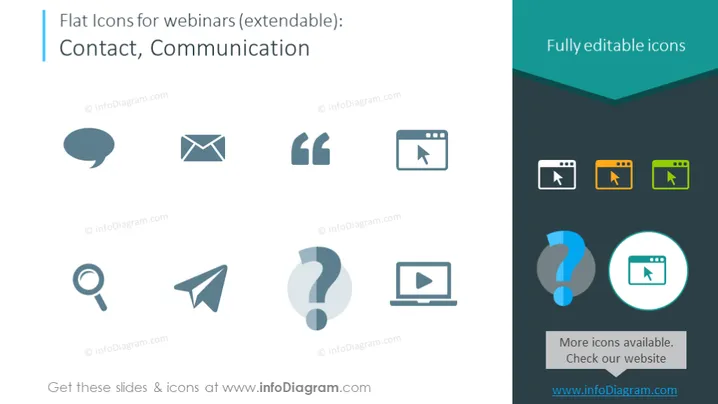
This PowerPoint slide showcases a collection of flat icons relevant to webinars, under the categories of Contact and Communication. These icons include a speech bubble, representing the act of conversation or discussion; an envelope, symbolizing email communication; quote marks, indicating dialogue or direct speech; a magnifying glass, associated with searching or investigating; a paper plane, often used to represent sending messages; and stylized question marks, suggesting inquiry or help. Additionally, the slide indicates that the icons are fully editable and there are more icons available on their website.
The overall look is modern and minimalist, with a clean design that emphasizes the icons and their editability. The colors are muted but strategically use contrast to draw attention to different elements.



