

Your graphics add a nice touch to my presentations and I recently used them for one of my all-hands meetings. Your toolbox adds professionalism to my slides. Instead of using standard clipart.
Claude Jones, Director of Engineer, @Walmartlabs, USA

Your graphics add a nice touch to my presentations and I recently used them for one of my all-hands meetings. Your toolbox adds professionalism to my slides. Instead of using standard clipart.
Claude Jones, Director of Engineer, @Walmartlabs, USA
I needed a fresh look at some of my slides. I've tried to find a way to create a paintbrush effect, to underline, accentuate, add some color and the handwritten markers were just the things. Very easy to use, easy to size, change the color. It was an affordable, perfect solution and I'm happy to recommend it.
Anonymous, US
The crisp, clean look of the graphics, and the fact that it allowed me to easily edit and change the colors to match the template was my main reason for purchasing them.
Brandie Jenkins, E-learning Developer, USA
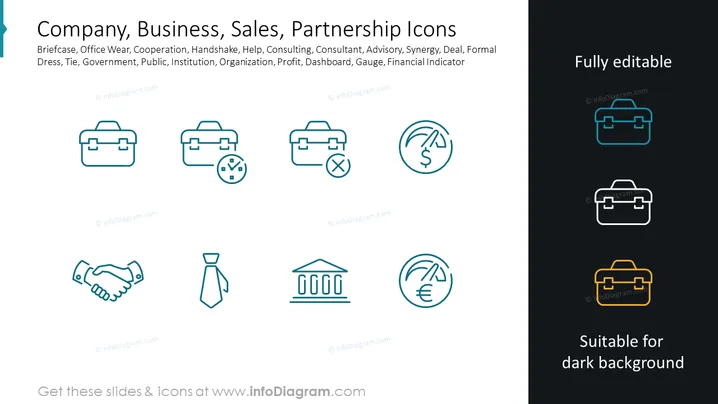
The slide presents a collection of icons related to company, business, sales, and partnerships. The icons symbolize various concepts such as: Briefcase – representing business professionals or work essentials; Office wear – indicating professional attire or corporate identity; Cooperation – depicted by a handshake, suggesting collaboration or agreements; Help – signifying support or customer service; Consulting – consultant engagement or expertise sharing; Advisory – offering guidance or professional advice; Synergy – symbolizing teamwork or combined effort; Deal – representing business agreements or transactions; Formal Dress – indicating formal occasions or business dress code; Tie – symbolizing professional attire or formality; Government – representing public institutions or authority; Public – referring to the general public or community; Institution – indicating established organizations or entities; Organization – symbolizing structured groups or businesses; Profit – reflecting financial success or revenue; Dashboard – hinting at performance monitoring or control panels; Gauge – symbolizing measurement or evaluation; Financial Indicator – suggesting economic metrics or financial health.
The overall look of the slide is sleek and professional, with a straightforward layout that promotes clarity and focus on the icons. The minimalist design of the icons coupled with the contrasting colors makes them stand out effectively against the dark background.



