
Reviews
Sus gráficos añaden un toque agradable a mis presentaciones y recientemente los usé para una de mis reuniones generales. Su conjunto de herramientas añade profesionalismo a mis diapositivas. En lugar de usar imágenes prediseñadas estándar.
Necesitaba un aspecto fresco para algunas de mis diapositivas. Había intentado encontrar una forma de crear un efecto de pincel, de subrayar, acentuar, añadir algo de color y los marcadores escritos a mano fueron justo lo que necesitaba. Muy fácil de usar, fácil de ajustar el tamaño, cambiar el color. Fue una solución asequible y perfecta, y estoy feliz de recomendarla.
El aspecto nítido y limpio de los gráficos, y el hecho de que me permitiera editar y cambiar fácilmente los colores para que coincidieran con la plantilla fue mi principal razón para comprarlos.
Description
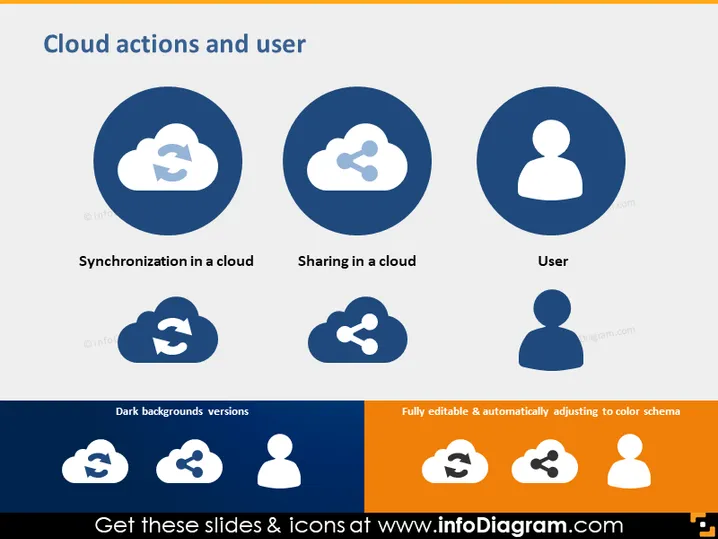
Cloud actions and user
Slide Content
The slide presents three concepts associated with cloud computing: Synchronization in a cloud, denoting the process where data is consistently updated across multiple devices or locations; Sharing in a cloud, referring to the ability to share data or resources with others through cloud services; and User, representing an individual utilizing cloud services.
Graphical Look
- The slide background is a solid, light color providing a neutral canvas for the content.
- The slide title is at the top, set in a larger, bold typeface for prominence.
- Three dark blue, circular shapes are evenly distributed horizontally across the slide, each containing a white icon.
- The first icon represents synchronization, with two curved arrows forming a circular motion around a cloud.
- The second icon represents sharing, with a cloud and a directional arrow indicating the flow of sharing or transfer.
- The third icon is a stylized silhouette of a person's head and shoulders, symbolizing a user.
- Beneath each circular shape is a label in a smaller, bold font, naming the function corresponding to the icon above it.
- At the bottom, there is a row of icons mirroring the ones above but set in white against a dark background as alternate versions.
- The rightmost part of the slide subtly promotes its full editability and color scheme adjustability, highlighted with a color block.
The slide has a Modern, minimalistic design emphasizing clarity and ease of understanding with its use of icons and limited color palette.
Use Cases
- This slide could be effectively utilized in a presentation to explain the fundamental functions and features of a cloud service.
- It's ideal for training or orientation sessions to familiarize employees or users with cloud computing concepts.
- It could serve as a visual aid in a sales pitch when detailing the benefits of cloud computing solutions to potential clients.
- The simple iconography also makes it useful for educational materials or online tutorials focusing on cloud technology.
How to Edit
How to edit text & colors

How to expand / shorten diagram

How to Replace Icons in infoDiagram PPT


