

Your graphics add a nice touch to my presentations and I recently used them for one of my all-hands meetings. Your toolbox adds professionalism to my slides. Instead of using standard clipart.
Claude Jones, Director of Engineer, @Walmartlabs, USA

Your graphics add a nice touch to my presentations and I recently used them for one of my all-hands meetings. Your toolbox adds professionalism to my slides. Instead of using standard clipart.
Claude Jones, Director of Engineer, @Walmartlabs, USA
I needed a fresh look at some of my slides. I've tried to find a way to create a paintbrush effect, to underline, accentuate, add some color and the handwritten markers were just the things. Very easy to use, easy to size, change the color. It was an affordable, perfect solution and I'm happy to recommend it.
Anonymous, US
The crisp, clean look of the graphics, and the fact that it allowed me to easily edit and change the colors to match the template was my main reason for purchasing them.
Brandie Jenkins, E-learning Developer, USA
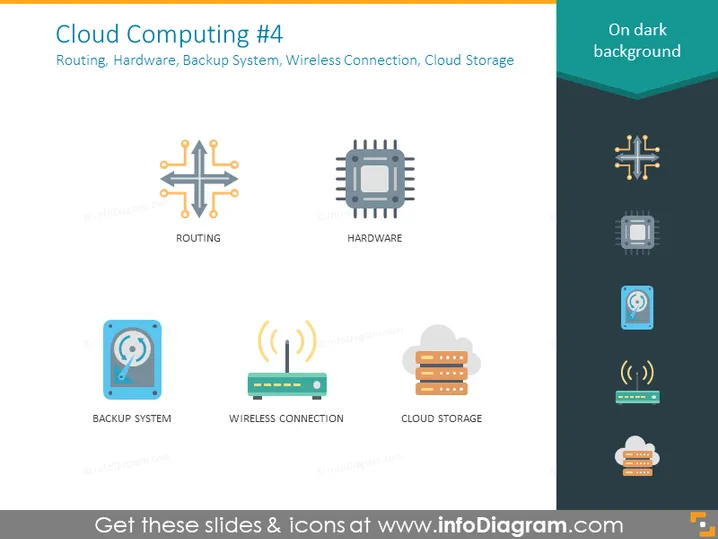
The slide titled "Cloud Computing #4" focuses on the components of cloud computing infrastructure: Routing, Hardware, Backup System, Wireless Connection, and Cloud Storage. Routing is the process of selecting paths in a network along which to send network traffic. Hardware refers to the physical components of a computer system. The Backup System is a strategy to make copies of data to protect it from loss or corruption. Wireless Connection indicates networking without physical cables, which provides mobility and ease of access. Cloud Storage is a service model where data is maintained, managed, and backed up remotely, making it available to users over a network (typically the internet).
The slide has a clean, modern appearance with easily interpretable icons that visually convey the concepts related to cloud computing. The consistent use of iconography and labels creates a uniform and easily digestible visual presentation of information.



