
Your graphics add a nice touch to my presentations and I recently used them for one of my all-hands meetings. Your toolbox adds professionalism to my slides. Instead of using standard clipart.
Claude Jones, Director of Engineer, @Walmartlabs, USA
Your graphics add a nice touch to my presentations and I recently used them for one of my all-hands meetings. Your toolbox adds professionalism to my slides. Instead of using standard clipart.
Claude Jones, Director of Engineer, @Walmartlabs, USA
I needed a fresh look at some of my slides. I've tried to find a way to create a paintbrush effect, to underline, accentuate, add some color and the handwritten markers were just the things. Very easy to use, easy to size, change the color. It was an affordable, perfect solution and I'm happy to recommend it.
Anonymous, US
The crisp, clean look of the graphics, and the fact that it allowed me to easily edit and change the colors to match the template was my main reason for purchasing them.
Brandie Jenkins, E-learning Developer, USA
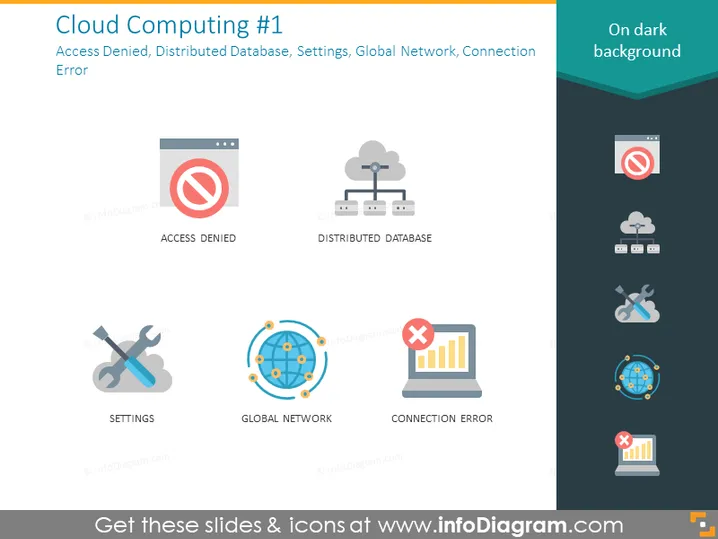
The slide, titled "Cloud Computing #1," shows four main concepts: Access Denied, Distributed Database, Settings, and Global Network, each accompanied by an illustrative icon. An additional concept, Connection Error, is also present with its icon, suggesting a theme centered around elements of cloud computing challenges and configurations. "Access Denied" implies a security restriction; "Distributed Database" indicates data spread across multiple locations; "Settings" refers to configuration options; "Global Network" symbolizes interconnected systems worldwide; and "Connection Error" represents issues in network communications.
The slide has a modern, clean appearance with easily interpretable graphics that convey the various elements of cloud computing succinctly. Icons and text are balanced in layout and size, creating an organized visual hierarchy.




