

Your graphics add a nice touch to my presentations and I recently used them for one of my all-hands meetings. Your toolbox adds professionalism to my slides. Instead of using standard clipart.
Claude Jones, Director of Engineer, @Walmartlabs, USA

Your graphics add a nice touch to my presentations and I recently used them for one of my all-hands meetings. Your toolbox adds professionalism to my slides. Instead of using standard clipart.
Claude Jones, Director of Engineer, @Walmartlabs, USA
I needed a fresh look at some of my slides. I've tried to find a way to create a paintbrush effect, to underline, accentuate, add some color and the handwritten markers were just the things. Very easy to use, easy to size, change the color. It was an affordable, perfect solution and I'm happy to recommend it.
Anonymous, US
The crisp, clean look of the graphics, and the fact that it allowed me to easily edit and change the colors to match the template was my main reason for purchasing them.
Brandie Jenkins, E-learning Developer, USA
Unfortunately, the image provided does not include a visible title that can be transcribed. Without the title, I'm unable to mimic the slide's original title as a Level 2 header in markdown.
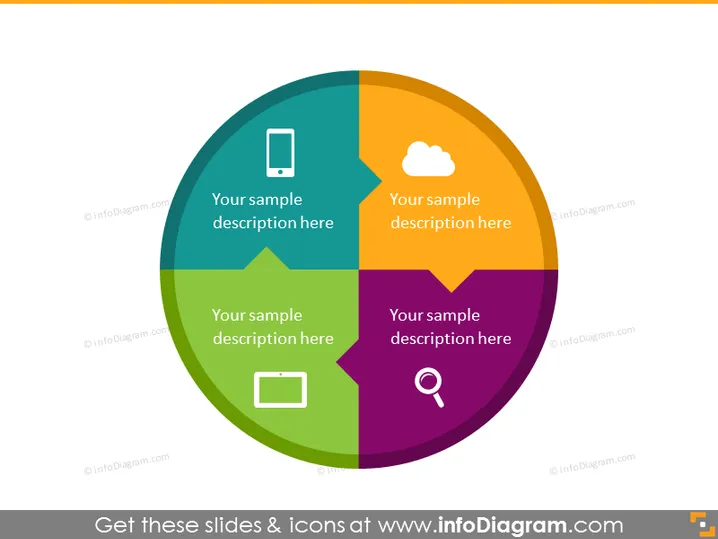
The slide appears to depict a circular, four-segment infographic where each segment represents a different category or topic with placeholder text titled "Your sample description here." Each segment is also associated with its own unique icon — a mobile device, a cloud, a magnifying glass, and a laptop or monitor — suggesting topics related to technology or digital themes.
The overall design is modern and sleek, with a focus on simplicity and color differentiation to convey separate but connected ideas. The icons are minimalist and universally recognizable symbols that illustrate technological and analytical concepts.



