
Reviews
Your graphics add a nice touch to my presentations and I recently used them for one of my all-hands meetings. Your toolbox adds professionalism to my slides. Instead of using standard clipart.
I needed a fresh look at some of my slides. I've tried to find a way to create a paintbrush effect, to underline, accentuate, add some color and the handwritten markers were just the things. Very easy to use, easy to size, change the color. It was an affordable, perfect solution and I'm happy to recommend it.
The crisp, clean look of the graphics, and the fact that it allowed me to easily edit and change the colors to match the template was my main reason for purchasing them.
Description
Slide Title
Unfortunately, the slide title is not visible in the image provided.
Slide Content
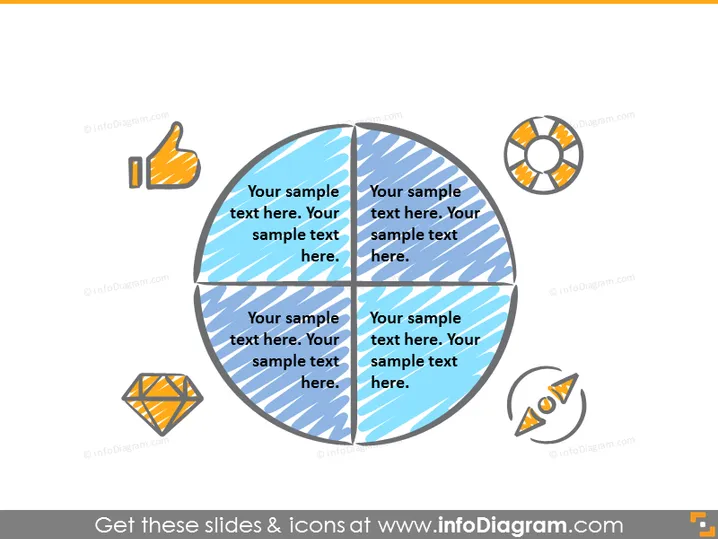
The PowerPoint slide appears to represent a business or analytical concept segmented into four key parts, each accompanied by an icon and placeholder text suggesting the insertion of custom information. This structure implies a model or framework that could be used to explain various components of a strategy, process, or evaluation in a visually engaging way.
Graphical Look
- A large central circle divided into four equal segments with alternating blue and lighter blue colors.
- Each segment contains diagonal white stripes and a placeholder text labeled “Your sample text here.”
- Four distinct icons are placed outside the central circle, one next to each segment. These icons include a thumbs up, a diamond, a pie chart, and a line graph with two data points.
- The icons and segments are connected by thin lines, suggesting a relationship between the icon and the corresponding segment.
- Each icon is illustrated with a combination of orange, shades of gray, and white colors.
The slide has a clean and professional appearance with a simple color palette consisting mainly of blues and oranges. The use of icons and the segmented circle creates a visually appealing way to present sectional information.
Use Cases
- To present different components of a business model or strategy.
- To break down the results of a market analysis or research study.
- To outline the agenda or key points for a training or educational workshop.
- To convey the different stages or phases of a project plan or timeline.
How to Edit
How to edit text & colors

How to expand / shorten diagram

How to Replace Icons in infoDiagram PPT


