

Your graphics add a nice touch to my presentations and I recently used them for one of my all-hands meetings. Your toolbox adds professionalism to my slides. Instead of using standard clipart.
Claude Jones, Director of Engineer, @Walmartlabs, USA

Your graphics add a nice touch to my presentations and I recently used them for one of my all-hands meetings. Your toolbox adds professionalism to my slides. Instead of using standard clipart.
Claude Jones, Director of Engineer, @Walmartlabs, USA
I needed a fresh look at some of my slides. I've tried to find a way to create a paintbrush effect, to underline, accentuate, add some color and the handwritten markers were just the things. Very easy to use, easy to size, change the color. It was an affordable, perfect solution and I'm happy to recommend it.
Anonymous, US
The crisp, clean look of the graphics, and the fact that it allowed me to easily edit and change the colors to match the template was my main reason for purchasing them.
Brandie Jenkins, E-learning Developer, USA
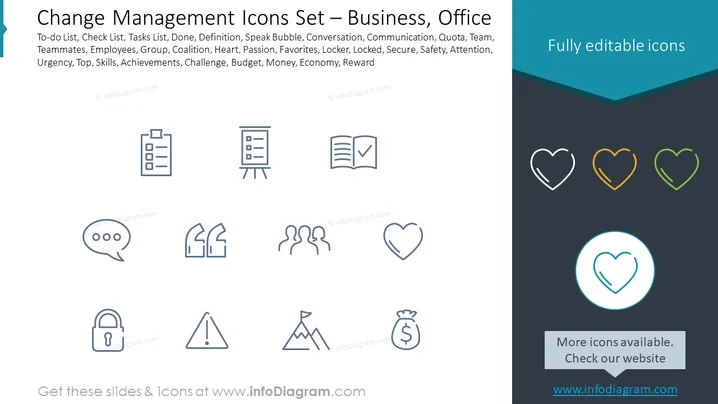
The slide presents a collection of icons related to change management in a business or office setting. Each icon corresponds to a concept crucial for organizational transformation or daily operations. The concepts listed include To-do List (tracking tasks), Check List (verifying task completion), Tasks List (enumerating work items), Done (tasks completed), Definition (clarifying concepts), Speak Bubble (communication), Conversation, Communication, Quota, Team, Teammates, Employees, Coalition, Heart (passion or core values), Passion, Favorites, Locker (security), Locked, Secure, Safety, Attention, Urgency, Top (priority or ranking), Skills, Achievements, Challenge, Budget, Money, Economy, and Reward (incentives or recognition).
The slide uses a minimalistic design with a clean layout, and icons are spaced evenly to create a sense of organization and ease of viewing. The color scheme is primarily dark blue and gray with sparing use of light blue and subtle accents of white, orange, and green to draw attention to certain elements.



