
Reviews
Sus gráficos añaden un toque agradable a mis presentaciones y recientemente los usé para una de mis reuniones generales. Su conjunto de herramientas añade profesionalismo a mis diapositivas. En lugar de usar imágenes prediseñadas estándar.
Necesitaba un aspecto fresco para algunas de mis diapositivas. Había intentado encontrar una forma de crear un efecto de pincel, de subrayar, acentuar, añadir algo de color y los marcadores escritos a mano fueron justo lo que necesitaba. Muy fácil de usar, fácil de ajustar el tamaño, cambiar el color. Fue una solución asequible y perfecta, y estoy feliz de recomendarla.
El aspecto nítido y limpio de los gráficos, y el hecho de que me permitiera editar y cambiar fácilmente los colores para que coincidieran con la plantilla fue mi principal razón para comprarlos.
Description
Challenge section
Slide Content
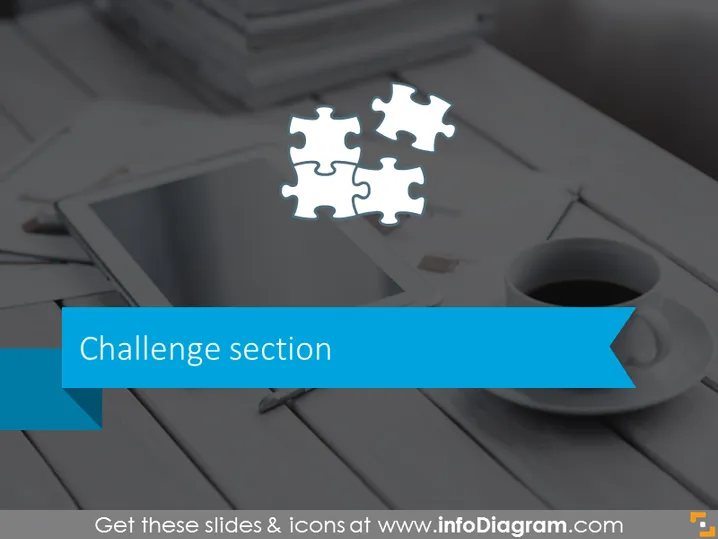
The slide is titled "Challenge section" and is likely used to introduce a segment of a presentation where challenges or issues are to be discussed. The concept of 'challenge' in a presentation often refers to obstacles, difficulties, or problems that need to be addressed or solved, which could range from business strategy challenges to operational difficulties within a company.
Graphical Look
- The background of the slide is a muted photograph featuring a tidy workspace with a digital tablet, a cup of coffee, and notebooks.
- Overlaid on the image are three white, interlocking puzzle pieces centered towards the top of the slide, symbolizing interconnected challenges or problems to solve.
- A broad, blue, diagonally oriented banner contains the title "Challenge section" in white, sans-serif font, offering a clear focal point for the slide. The banner has a ribbon-like shape with a pointed tip on the right side.
- The text within the blue banner is capitalized and of a size large enough to be the dominant textual element, ensuring legibility and emphasis.
The overall look of the slide is modern and clean, with the image providing a subtle, thematic backdrop to the central topic indicated by the slide's title. The use of the puzzle pieces visually supports the theme of challenges and problem-solving.
Use Cases
- Introducing the problem-solving section of a business strategy or project management presentation.
- Segueing into a discussion of obstacles faced by a team during a project update meeting.
- Facilitating a workshop segment focused on identifying and tackling business challenges.
- Setting the stage for a brainstorming session on innovative solutions to product development issues.
How to Edit
How to edit text & colors

How to expand / shorten diagram

How to Replace Icons in infoDiagram PPT


