

Your graphics add a nice touch to my presentations and I recently used them for one of my all-hands meetings. Your toolbox adds professionalism to my slides. Instead of using standard clipart.
Claude Jones, Director of Engineer, @Walmartlabs, USA

Your graphics add a nice touch to my presentations and I recently used them for one of my all-hands meetings. Your toolbox adds professionalism to my slides. Instead of using standard clipart.
Claude Jones, Director of Engineer, @Walmartlabs, USA
I needed a fresh look at some of my slides. I've tried to find a way to create a paintbrush effect, to underline, accentuate, add some color and the handwritten markers were just the things. Very easy to use, easy to size, change the color. It was an affordable, perfect solution and I'm happy to recommend it.
Anonymous, US
The crisp, clean look of the graphics, and the fact that it allowed me to easily edit and change the colors to match the template was my main reason for purchasing them.
Brandie Jenkins, E-learning Developer, USA
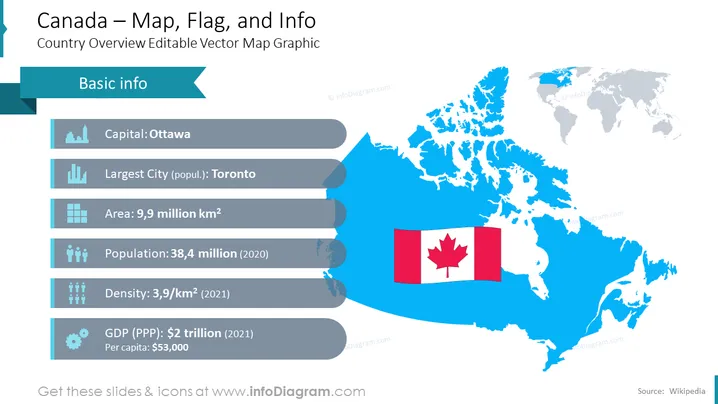
The PowerPoint slide presents an overview of Canada with editable vector map graphics. Key information is highlighted: Ottawa is the capital, Toronto is the largest city by population, covering an area of 9.9 million square kilometers. As of 2020, the population was 38.4 million, with a density of 3.9 individuals per square kilometer in 2021. Canada's GDP at Purchasing Power Parity (PPP) was $2 trillion in 2021, with a per capita income of $53,000.
The slide boasts a clean and modern design with a color scheme focused on various shades of blue complemented by grey for text and icons, which creates a professional and information-centric atmosphere.



