
Reviews
Your graphics add a nice touch to my presentations and I recently used them for one of my all-hands meetings. Your toolbox adds professionalism to my slides. Instead of using standard clipart.
I needed a fresh look at some of my slides. I've tried to find a way to create a paintbrush effect, to underline, accentuate, add some color and the handwritten markers were just the things. Very easy to use, easy to size, change the color. It was an affordable, perfect solution and I'm happy to recommend it.
The crisp, clean look of the graphics, and the fact that it allowed me to easily edit and change the colors to match the template was my main reason for purchasing them.
Description
Call to Action, Contact
Slide Content
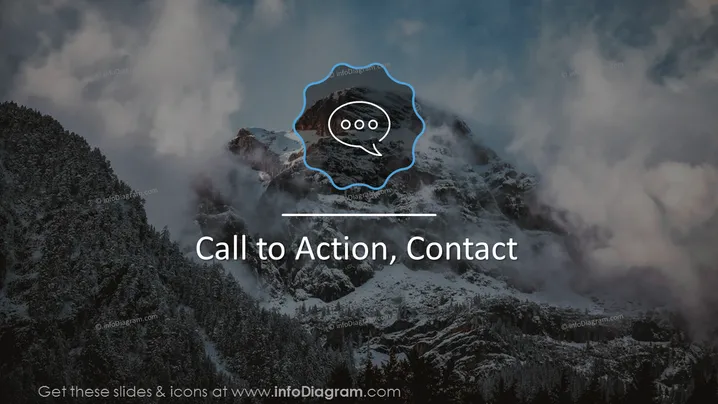
The slide titled "Call to Action, Contact" seems to be a closing or transitional slide in a presentation, possibly aiming to prompt the audience to take some form of action or to initiate contact. The slide doesn’t present any specific details or lists but rather serves a general motivational or directional purpose.
Graphical Look
- The background of the slide features a scenic, snow-covered mountain landscape with trees and clouds.
- At the center, there is a hand-drawn speech bubble icon, which is highlighted by an irregular, neon blue outline.
- The title "Call to Action, Contact" is prominently displayed in bold, white font against the dark background of the image to stand out clearly.
- A horizontal line separates the title from the rest of the slide, adding a visual element that brings balance.
The slide design uses a contrasting and visually striking neon blue to draw attention to the central icon, while maintaining a clean and professional appearance with minimal text. The scenic background suggests inspiration or a broad viewpoint.
Use Cases
- To encourage the audience to reach out for more information at the end of a business presentation.
- To urge the audience to take a specific action, such as signing up for a service or participating in an event.
- As a final slide in a webinar to guide viewers towards further engagement with the host or company.
- As part of a marketing pitch, reinforcing the call to action before concluding the presentation.
How to Edit
How to edit text & colors

How to expand / shorten diagram

How to Replace Icons in infoDiagram PPT


