
Reviews
Sus gráficos añaden un toque agradable a mis presentaciones y recientemente los usé para una de mis reuniones generales. Su conjunto de herramientas añade profesionalismo a mis diapositivas. En lugar de usar imágenes prediseñadas estándar.
Necesitaba un aspecto fresco para algunas de mis diapositivas. Había intentado encontrar una forma de crear un efecto de pincel, de subrayar, acentuar, añadir algo de color y los marcadores escritos a mano fueron justo lo que necesitaba. Muy fácil de usar, fácil de ajustar el tamaño, cambiar el color. Fue una solución asequible y perfecta, y estoy feliz de recomendarla.
El aspecto nítido y limpio de los gráficos, y el hecho de que me permitiera editar y cambiar fácilmente los colores para que coincidieran con la plantilla fue mi principal razón para comprarlos.
Description
Calendars Graphics
Slide Content
The PowerPoint slide titled "Calendars Graphics" is presumably about various graphical representations of calendars that one can use in different contexts. The slide likely illustrates options or concepts tied to scheduling, time management, or date-specific planning. Since no actual points are listed, it is difficult to expand further on what types of calendar graphics are included.
Graphical Look
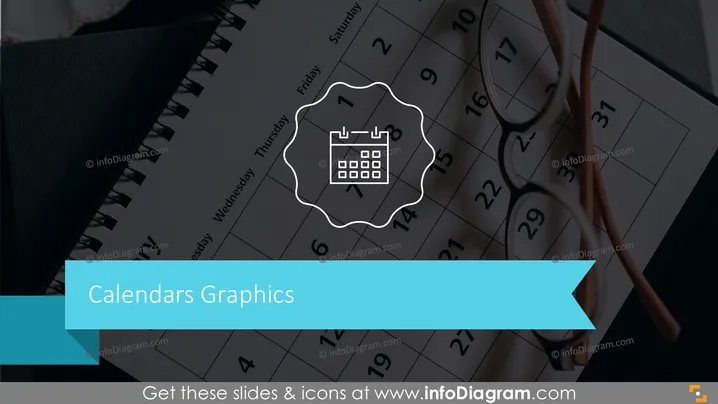
- The background features a large, semi-transparent photographic image of a calendar and a pair of eyeglasses resting on it.
- In the foreground, there's a white emblem-like graphic with a stylized calendar icon inside it, providing a visual representation of the slide's topic.
- The slide title "Calendars Graphics" is prominently displayed in the lower left corner in bold white font on a teal background, drawing attention to the subject of the slide.
- There is a teal directional ribbon graphic pointing to the right, intersecting with the title, adding a dynamic element to the slide's design.
The slide has a professional look with a business-like color scheme, balancing an intricate background with a simple foreground design. The use of the calendar image and icon effectively conveys the theme of time and scheduling.
Use Cases
- In a project management presentation to outline project timelines and key milestones.
- During corporate training sessions to highlight important dates and deadlines.
- In sales presentations to showcase product launch dates and promotional periods.
- At a team meeting to discuss availability and schedule team tasks or events.
How to Edit
How to edit text & colors

How to expand / shorten diagram

How to Replace Icons in infoDiagram PPT


