
Reviews
Your slides are my 'secret sauce' when it comes to visualising my ideas to clients. I'm saving so much time.
InfoDiagram has been a wonderful resource since I found the product site a few years ago.
Your slides often generate good comments and ideas from my team that improve the final slides.
Description
Services
Slide Content
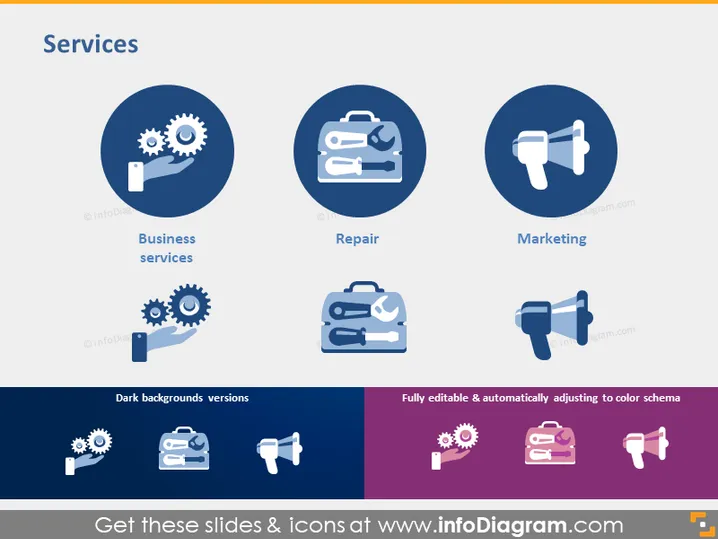
The slide is titled "Services" and is designed to showcase three key service areas: Business services, Repair, and Marketing. Business services are depicted with an icon of gears and a wrench, suggesting operational and technical support services. Repair is represented by a tool case, implying maintenance or fixing services. Marketing is symbolized by a megaphone icon, indicating promotional and advertising services. Each service category is accompanied by its own symbol to visually convey the essence of the service provided.
Graphical Look
- The slide background is white, providing a clean canvas for the content.
- There are three main circular icons in shades of blue, each representing a different service area.
- Each service icon has a corresponding label below it in a simple, bold font.
- The color scheme is primarily blue, with two shades being used to create contrast within the icons.
- There are variations of the icons shown at the bottom for dark background versions.
- A small message about the slide being fully editable is displayed at the bottom in a colored box.
- There are no additional decorative elements or textures, resulting in a modern and straightforward design.
The overall look of the slide is professional and minimalistic, using color and simple icons to communicate the services visually.
Use Cases
- Introducing the services offered by a company during an internal meeting or client presentation.
- Highlighting key areas of expertise within a company's portfolio in a marketing or sales pitch.
- Comparing a company's services with those of competitors in a market analysis or strategy session.
- Creating a visual summary of services to be included in informational materials or reports.
How to Edit
How to edit text & colors

How to expand / shorten diagram

How to Replace Icons in infoDiagram PPT


