Business Plan Icons – Sales, Resources
Slide Content:
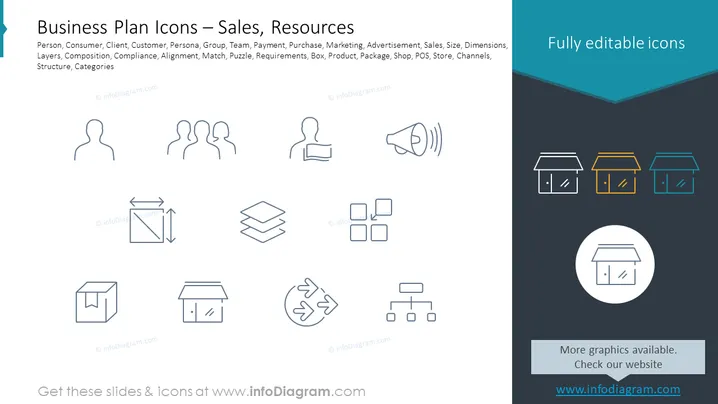
The slide appears to present a collection of icons that can be associated with various business concepts such as Person, Consumer, Client, Customer, Team, Payment, Purchase, Marketing, Advertisement, and Sales. Each concept likely corresponds to the graphic icons displayed, providing visual cues for aspects like Group dynamics, operational Layers, strategic Composition, regulatory Compliance, Alignment of objectives, problem-solving (Puzzle), requirements gathering, Product or service representation (Box), Packaging, retail (Shop), Point of Sale (POS) operations, distribution (Store), and communication Channels. These icons serve as visual shorthand for the associated business functions, making presentations more engaging and easier to comprehend.
Graphical Look:
- The slide features a teal blue title bar with white text.
- Beneath the title bar, there is a white background area populated with various line icons.
- Each icon is paired with a label in small, dark text, seemingly describing the concept it represents.
- The icons include representations of a single person, a group, a chair and desk, a megaphone, layers of material, squares, a circular recycling arrow, a box, and shopfronts.
- The shopfronts are highlighted in a horizontal bar at the bottom, with three versions in different colors (yellow, teal blue, and white) contained within outlined rectangles.
- In the bottom corners of the slide, there are two dark, rectangular areas with white text directing to a website for more slides and icons.
- The design is modern and minimalistic, and the icons are stylized but easily recognizable in a business context.
The overall look of the slide is clean and professional, with an emphasis on simplicity and easy recognition of icons. The color scheme is consistent, focusing on teal, blue, and grey, evoking a sense of calmness and order.
Use Cases:
- This slide could be used in a business plan presentation to visually summarize key areas of focus or resource allocation.
- It could serve an educational purpose for training employees on different aspects of business operations, using icons as memory aids.
- The icons can be used in marketing materials to help explain services offered or to highlight business strengths in a pitch to investors or partners.
- In project management meetings, they could be employed to represent various project elements or to facilitate discussion around specific business functions or issues.