
Reviews
Your graphics add a nice touch to my presentations and I recently used them for one of my all-hands meetings. Your toolbox adds professionalism to my slides. Instead of using standard clipart.
I needed a fresh look at some of my slides. I've tried to find a way to create a paintbrush effect, to underline, accentuate, add some color and the handwritten markers were just the things. Very easy to use, easy to size, change the color. It was an affordable, perfect solution and I'm happy to recommend it.
The crisp, clean look of the graphics, and the fact that it allowed me to easily edit and change the colors to match the template was my main reason for purchasing them.
Description
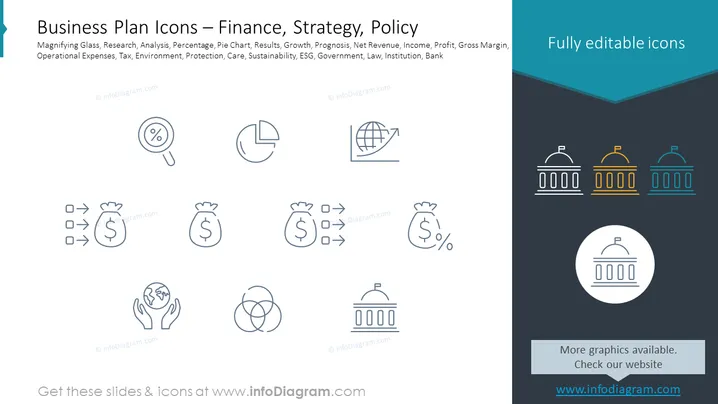
Slide Content: The slide is titled "Business Plan Icons – Finance, Strategy, Policy" and showcases a collection of icons that represent various business and financial concepts such as Magnifying Glass (suggesting Research and Analysis), Percentage and Pie Chart (representing financial Results and data visualization), and symbols for Growth, Prognosis, Net Revenue, and Income. Additional icons depict Profit, Gross Margin, Operational Expenses, Tax, and elements of environmental and social governance like Environment, Protection, and Sustainability, as well as icons for ESG, Government, Law, Institution, and Bank.
Graphical Look:
- A dark teal header with the slide's title in white text.
- A smaller subtitle in a lighter gray font listing the related concepts.
- Twelve line-art icons evenly spaced and arranged in four rows and three columns.
- Icons represent financial and strategic concepts, such as a magnifying glass, pie chart, globe with an arrow indicating growth, and a government building.
- Soft gray lines connect the icons horizontally, hinting at a relationship or process flow.
- Colors of icons are uniform, a muted blue-gray, except for the row of government buildings, which are multicolored in teal, yellow, and white.
- A dark gray section at the bottom with website information in white font.
- The slide background is a light gray color.
The overall look of this PowerPoint slide is clean and modern, with a professional color scheme. The icons are simple and easy to understand, conveying concepts at
How to Edit
How to edit text & colors

How to expand / shorten diagram

How to Replace Icons in infoDiagram PPT


