

Your graphics add a nice touch to my presentations and I recently used them for one of my all-hands meetings. Your toolbox adds professionalism to my slides. Instead of using standard clipart.
Claude Jones, Director of Engineer, @Walmartlabs, USA

Your graphics add a nice touch to my presentations and I recently used them for one of my all-hands meetings. Your toolbox adds professionalism to my slides. Instead of using standard clipart.
Claude Jones, Director of Engineer, @Walmartlabs, USA
I needed a fresh look at some of my slides. I've tried to find a way to create a paintbrush effect, to underline, accentuate, add some color and the handwritten markers were just the things. Very easy to use, easy to size, change the color. It was an affordable, perfect solution and I'm happy to recommend it.
Anonymous, US
The crisp, clean look of the graphics, and the fact that it allowed me to easily edit and change the colors to match the template was my main reason for purchasing them.
Brandie Jenkins, E-learning Developer, USA
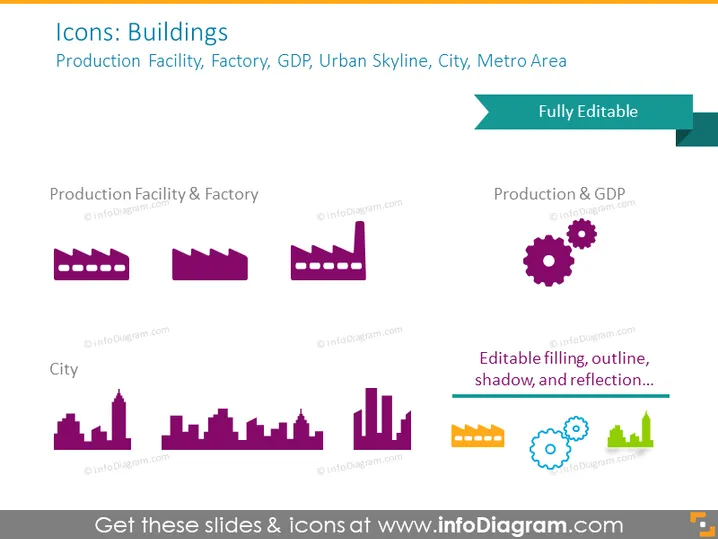
The PowerPoint slide titled "Icons: Buildings" features graphical representations of buildings and related concepts. "Production Facility & Factory" shows simple industrial building silhouettes, symbolizing the manufacturing sector. "City" depicts urban skyline icons representing different types of cityscapes. "Production & GDP" combines a factory icon with gears, indicating the connection between manufacturing output and economic performance. All icons are described as "Fully Editable" with editable filling, outline, shadow, and reflection, providing flexibility for customization in presentations.
The slide has a clean and professional appearance with a clear layout. The icons are stylized and minimalist, conveying the core ideas they represent with a modern aesthetic.



