
Reviews
Your graphics add a nice touch to my presentations and I recently used them for one of my all-hands meetings. Your toolbox adds professionalism to my slides. Instead of using standard clipart.
I needed a fresh look at some of my slides. I've tried to find a way to create a paintbrush effect, to underline, accentuate, add some color and the handwritten markers were just the things. Very easy to use, easy to size, change the color. It was an affordable, perfect solution and I'm happy to recommend it.
The crisp, clean look of the graphics, and the fact that it allowed me to easily edit and change the colors to match the template was my main reason for purchasing them.
Description
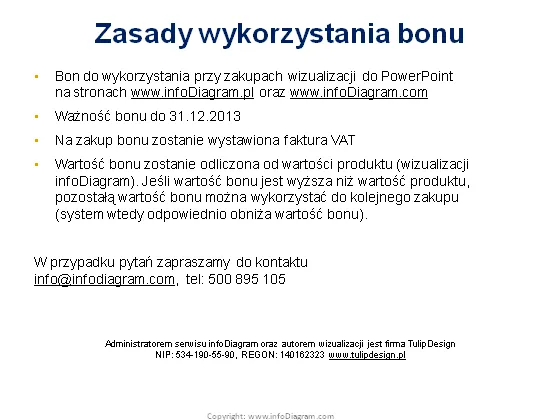
Zasady wykorzystania bonu
Slide Content
The slide is titled "Zasady wykorzystania bonu" and discusses the rules for using a voucher on PowerPoint visualizations at www.infoDiagram.com. It outlines the voucher's expiration date (31.12.2013), states that a VAT invoice will be issued upon purchase with the voucher, and explains how the voucher's value is determined based on the product's cost. If the voucher exceeds the product value, the remainder can be used for a future purchase, consequently reducing the voucher's value. For inquiries, contact information is provided.
Graphical Look
- The slide has a white background with text predominantly in black, except for the website URLs and contact information which are in blue, indicating hyperlinks.
- There are no images, but there are multiple text blocks formatted and spaced for clarity.
- The slide title is the largest text on the slide and is bolded, which draws attention.
- Other text is broken into smaller paragraphs, making it easier to read and understand the individual points.
- The contact email is underlined, suggesting it is clickable for ease of communication.
- The design is minimalistic, with no additional graphics or icons beyond text.
The overall look of the slide is clean and professional, with a minimalistic design that focuses on the textual information. The use of color is limited to emphasize hyperlinks and contact information.
Use Cases
- Presenting terms and conditions for promotional offers in a business setting.
- Outlining the guidelines for voucher usage during corporate training sessions.
- Inclusion in a sales presentation to explain customer benefits and post-purchase support.
- Offering detailed instructions for redeeming online vouchers to customers or partners during a webinar.
How to Edit
How to edit text & colors

How to expand / shorten diagram

How to Replace Icons in infoDiagram PPT


