
Reviews
Your graphics add a nice touch to my presentations and I recently used them for one of my all-hands meetings. Your toolbox adds professionalism to my slides. Instead of using standard clipart.
I needed a fresh look at some of my slides. I've tried to find a way to create a paintbrush effect, to underline, accentuate, add some color and the handwritten markers were just the things. Very easy to use, easy to size, change the color. It was an affordable, perfect solution and I'm happy to recommend it.
The crisp, clean look of the graphics, and the fact that it allowed me to easily edit and change the colors to match the template was my main reason for purchasing them.
Description
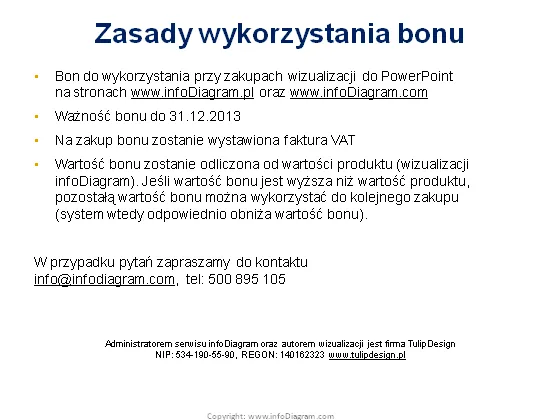
Zasady wykorzystania bonu
Slide Content
The slide is titled "Zasady wykorzystania bonu" and it outlines the rules for using a voucher in the context of PowerPoint presentations from www.infoDiagram.com. It specifies the voucher's expiration date as December 31, 2013, explains that a VAT invoice will be issued upon the voucher's use, and details how the value of the voucher will be deducted from the product's price. The remaining value can be used towards future purchases, effectively reducing the voucher's value incrementally. Contact information is provided for questions.
Graphical Look
- The slide has a white background and uses a combination of blue and black text for readability.
- The title "Zasady wykorzystania bonu" is prominently displayed at the top in a bold, blue font.
- The body of the slide is organized into four bullet points, each explaining a different aspect of the voucher's policy.
- Standard bullet points are used for list items, enhancing the orderly presentation of information.
- A smaller text block is found at the bottom, providing a contact email and phone number in black, slightly smaller font.
- The design is minimalist, using only text without any additional decorative graphics or icons.
The slide has a clean, business-like appearance with a simplistic design focused on delivering information clearly and efficiently.
Use Cases
- Presenting terms and conditions for promotional vouchers during corporate webinars or training sessions.
- Outlining customer loyalty programs, such as discounts or vouchers, during marketing presentations.
- Providing a clear guide for sales teams on how to communicate voucher benefits and limitations to clients.
- Including as part of an informational package for business partners or stakeholders invested in promotional activities.
How to Edit
How to edit text & colors

How to expand / shorten diagram

How to Replace Icons in infoDiagram PPT


