

Your graphics add a nice touch to my presentations and I recently used them for one of my all-hands meetings. Your toolbox adds professionalism to my slides. Instead of using standard clipart.
Claude Jones, Director of Engineer, @Walmartlabs, USA

Your graphics add a nice touch to my presentations and I recently used them for one of my all-hands meetings. Your toolbox adds professionalism to my slides. Instead of using standard clipart.
Claude Jones, Director of Engineer, @Walmartlabs, USA
I needed a fresh look at some of my slides. I've tried to find a way to create a paintbrush effect, to underline, accentuate, add some color and the handwritten markers were just the things. Very easy to use, easy to size, change the color. It was an affordable, perfect solution and I'm happy to recommend it.
Anonymous, US
The crisp, clean look of the graphics, and the fact that it allowed me to easily edit and change the colors to match the template was my main reason for purchasing them.
Brandie Jenkins, E-learning Developer, USA
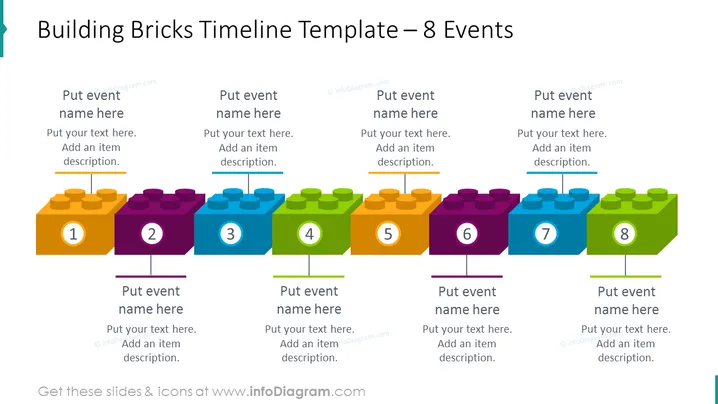
This PowerPoint slide, titled "Building Bricks Timeline Template – 8 Events," illustrates a project timeline using colorful building block graphics. Each block represents a milestone, numbered from 1 to 8 and organized in chronological order, with space above and below the blocks to customize with event names and descriptions. The visual metaphor of building blocks suggests incremental progress or the building up of components over time.
The overall look of the slide is playful yet informative, employing colorful, childlike imagery to depict a professional timeline. The 3D effect gives depth to the graphics, and the blocks are neatly aligned to create a visually organized structure.



