

Your graphics add a nice touch to my presentations and I recently used them for one of my all-hands meetings. Your toolbox adds professionalism to my slides. Instead of using standard clipart.
Claude Jones, Director of Engineer, @Walmartlabs, USA

Your graphics add a nice touch to my presentations and I recently used them for one of my all-hands meetings. Your toolbox adds professionalism to my slides. Instead of using standard clipart.
Claude Jones, Director of Engineer, @Walmartlabs, USA
I needed a fresh look at some of my slides. I've tried to find a way to create a paintbrush effect, to underline, accentuate, add some color and the handwritten markers were just the things. Very easy to use, easy to size, change the color. It was an affordable, perfect solution and I'm happy to recommend it.
Anonymous, US
The crisp, clean look of the graphics, and the fact that it allowed me to easily edit and change the colors to match the template was my main reason for purchasing them.
Brandie Jenkins, E-learning Developer, USA
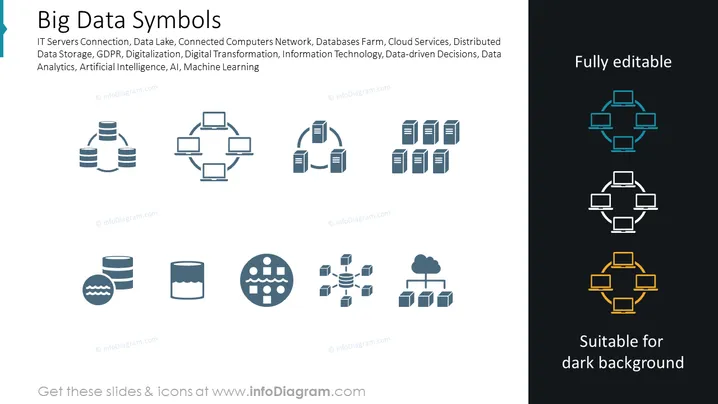
The slide is titled "Big Data Symbols" and lists fields related to big data including IT Servers Connection, Data Lake, Connected Computers Network, Databases Farm, Cloud Services, Distributed Data Storage, GDPR, Digitalization, Digital Transformation, Information Technology, Data-driven Decisions, Data Analytics, Artificial Intelligence, AI, and Machine Learning. Each term corresponds to an icon or a set of icons that visually represent the concept. For example, IT Servers Connection might be depicted by interconnected server rack icons, and a Data Lake could be symbolized by a storage icon combined with a water-related symbol to represent vast data storage.
The overall aesthetic of the slide is clean and modern, with a minimalistic design that uses icons to effectively communicate complex big data concepts. The use of color is restrained, predominantly featuring shades of blue, white, teal, and orange to differentiate and highlight icons.



