
Reviews
Sus gráficos añaden un toque agradable a mis presentaciones y recientemente los usé para una de mis reuniones generales. Su conjunto de herramientas añade profesionalismo a mis diapositivas. En lugar de usar imágenes prediseñadas estándar.
Necesitaba un aspecto fresco para algunas de mis diapositivas. Había intentado encontrar una forma de crear un efecto de pincel, de subrayar, acentuar, añadir algo de color y los marcadores escritos a mano fueron justo lo que necesitaba. Muy fácil de usar, fácil de ajustar el tamaño, cambiar el color. Fue una solución asequible y perfecta, y estoy feliz de recomendarla.
El aspecto nítido y limpio de los gráficos, y el hecho de que me permitiera editar y cambiar fácilmente los colores para que coincidieran con la plantilla fue mi principal razón para comprarlos.
Description
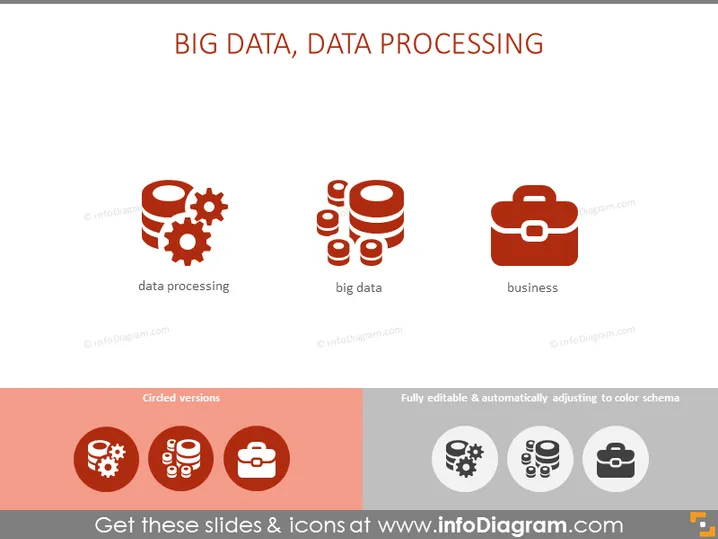
BIG DATA, DATA PROCESSING
Slide Content
The slide is focused on three key concepts related to data management: data processing, big data, and business. Data processing refers to the collection and manipulation of items of data to produce meaningful information. Big data involves handling and analyzing data sets that are too large or complex for traditional data-processing software. Business is likely related to the commercial context in which these data processes are applied, highlighting the importance of data in the business decision-making process.
Graphical Look
- Three icons aligned horizontally across the slide.
- Each icon is accompanied by a caption: "data processing," "big data," and "business," respectively.
- The "data processing" icon features gears, suggesting a mechanism that processes data.
- The "big data" icon contains stacked disks, symbolizing large volumes or databases of data.
- The "business" icon depicts a briefcase, commonly representing business or commerce.
- A horizontal section at the bottom with two variations of the icons: "Circled versions" on a red background and "Fully editable & automatically adjusting to color schema" on the right with grayscale icons.
- The slide uses a minimalistic design with flat icons and sans-serif typography.
- The color scheme consists of a white background, red for the section at the bottom, and shades of orange for the icons.
The slide presents a clean and professional design. The use of colors and simple icons facilitates an immediate understanding of the concepts related to data management and business.
Use Cases
- To introduce the topic of data management in a business presentation or seminar.
- As part of a training session for teams involved in data analytics to highlight different aspects of their work.
- Within a sales or investment pitch to describe the company's capabilities in data processing and big data analysis.
- In an educational setting, to visually summarize the key components of data science and their relevance to business contexts.
How to Edit
How to edit text & colors

How to expand / shorten diagram

How to Replace Icons in infoDiagram PPT


